Glorious Model D Unboxing & Review
By Romel Dris·Published ·4 min read·PeripheralsGearTech
From the video archive
Adapted from my original video, published Apr 23, 2020. Watch original
Here's a quick unboxing and review of the Glorious Model D. If you're after a lightweight ergonomic mouse and you play shooters, keep reading to see if this one's for you.
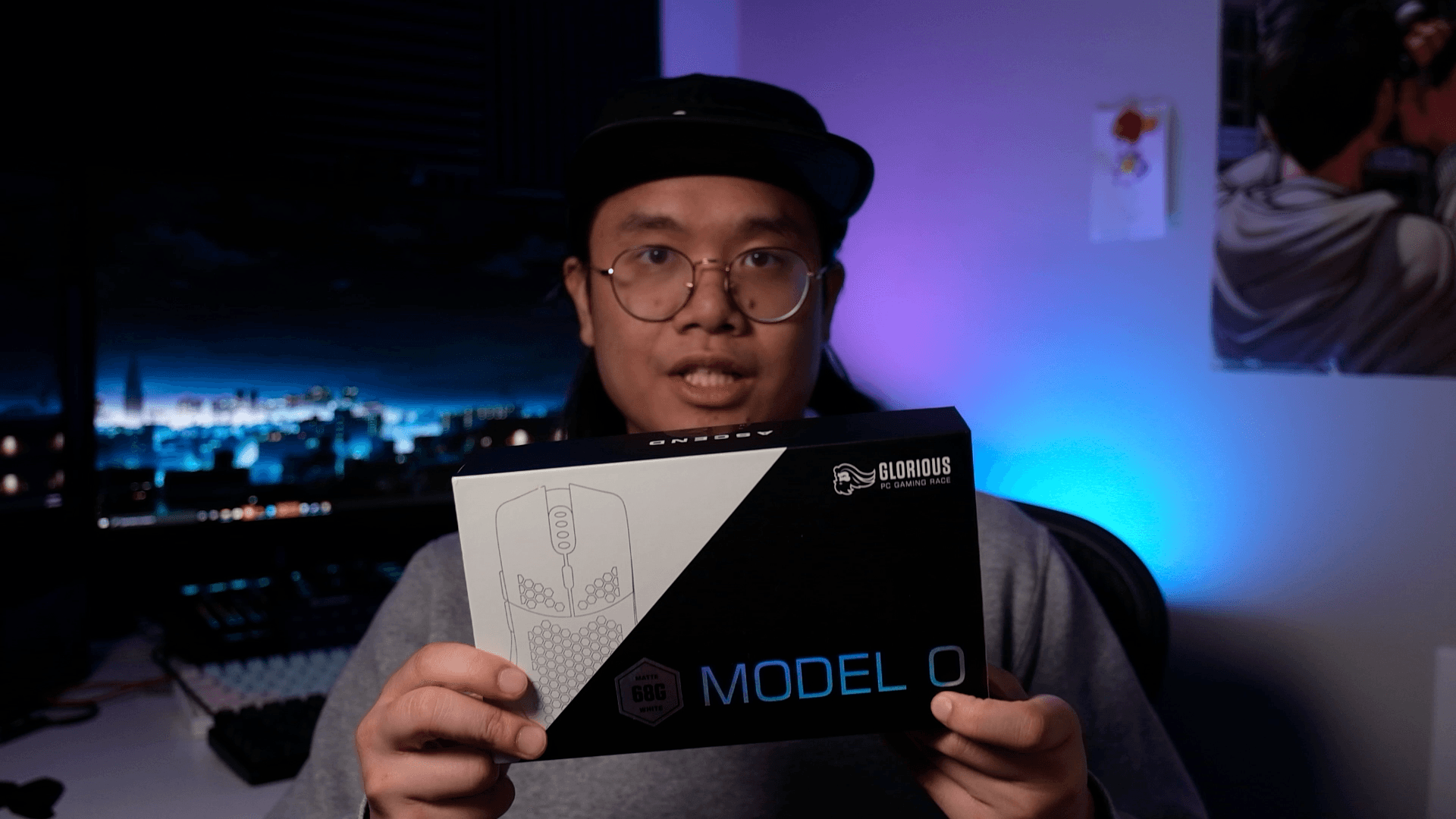
Funny note: my box actually says "Model O" on it, even though this is the Model D. Probably an early production run, because all the other materials reference the D.

PRICING & COLORWAYS
The Model D follows the same pricing as the rest of the lineup, with four color ways:
- Matte white / matte black for $49.99
- Glossy white / glossy black for $59.99
All of them are available directly on Glorious's website.
UNBOXING
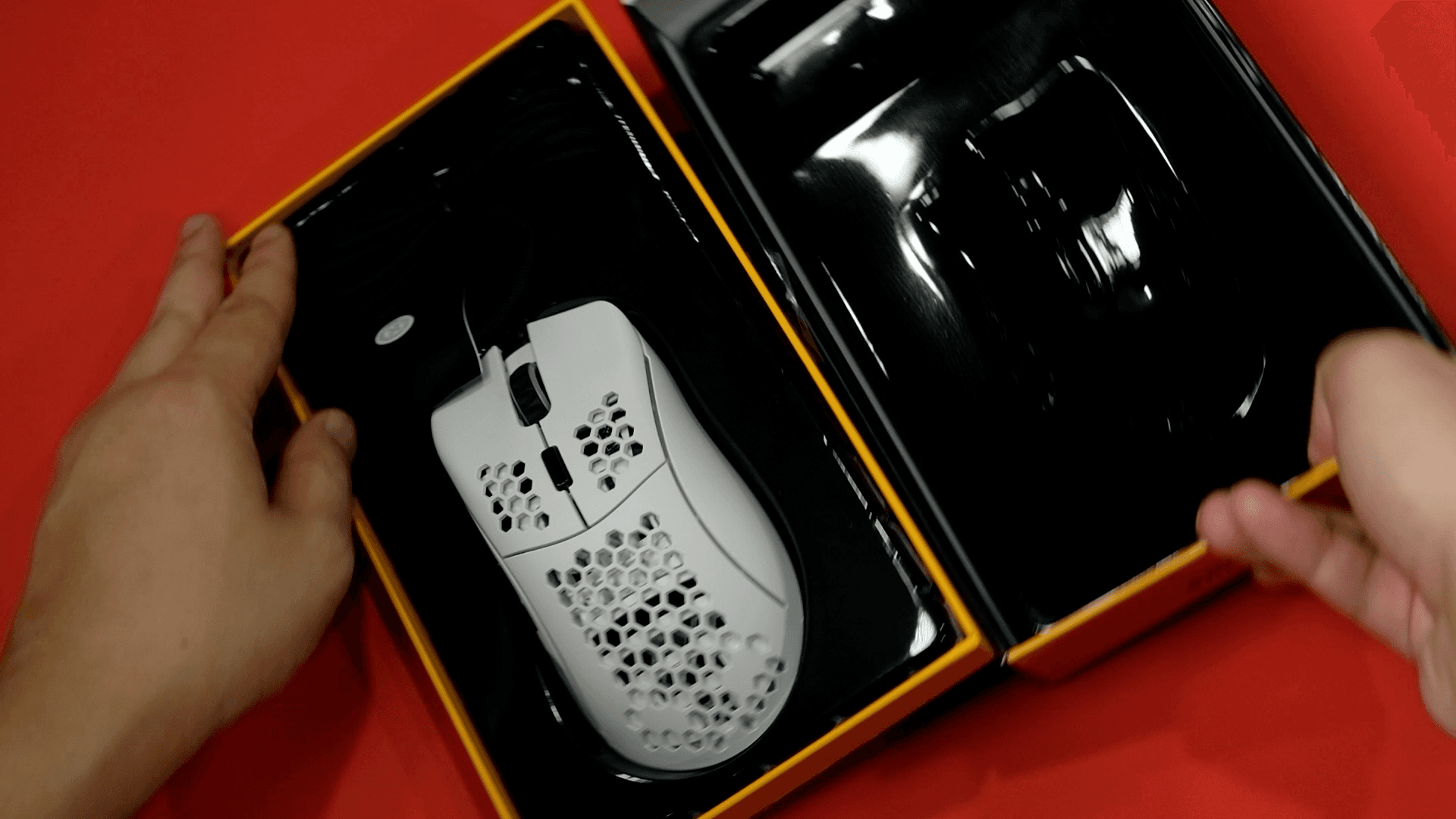

Inside the box you get the mouse, the usual documentation, a few Glorious stickers, and a set of larger G-Skates if you want more glide. Importantly, they updated the cable packaging here. Some copies of the Model O and O- had disconnecting issues because the cable was bent in the box, and that's been sorted with the D.

DESIGN
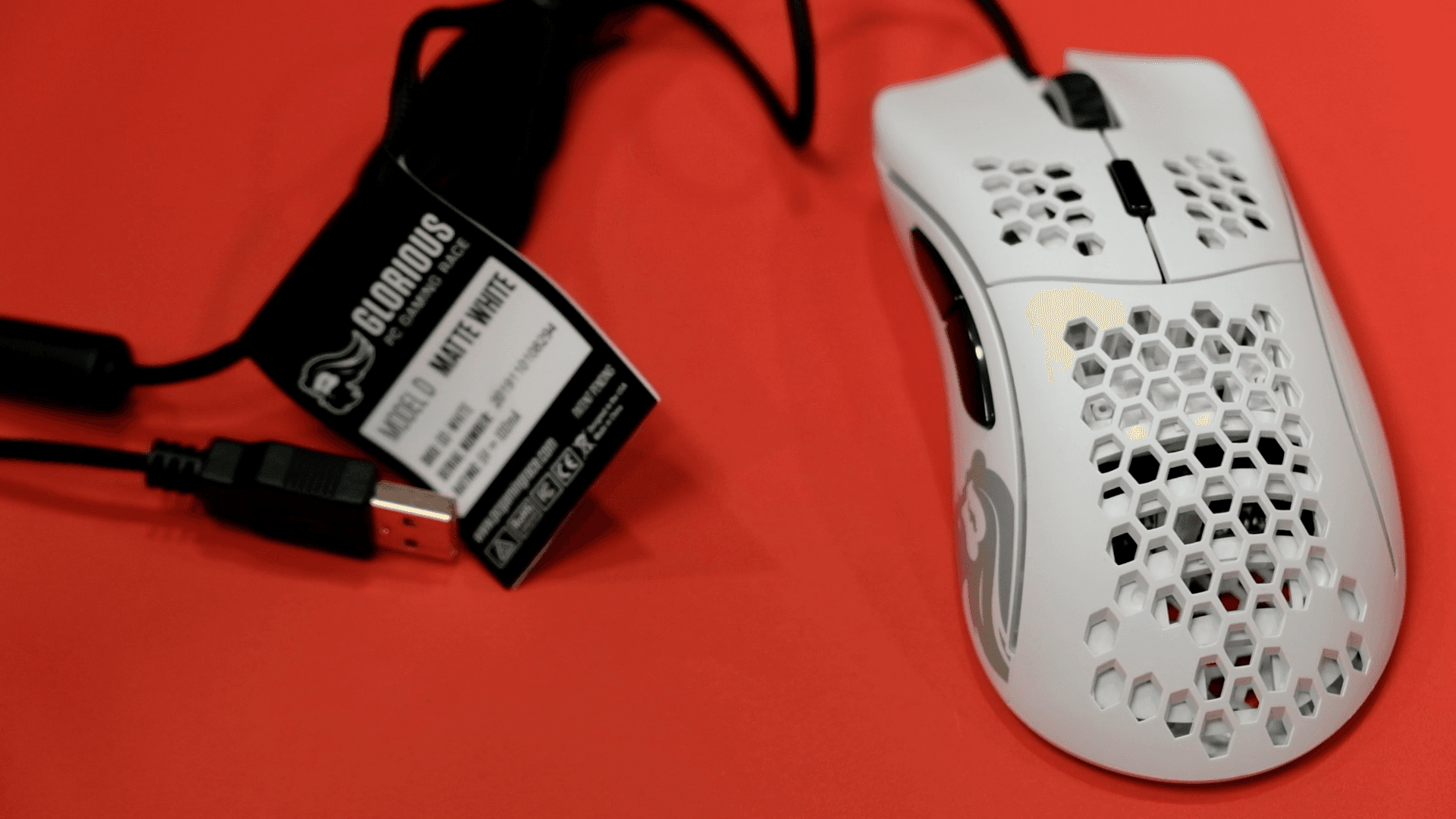
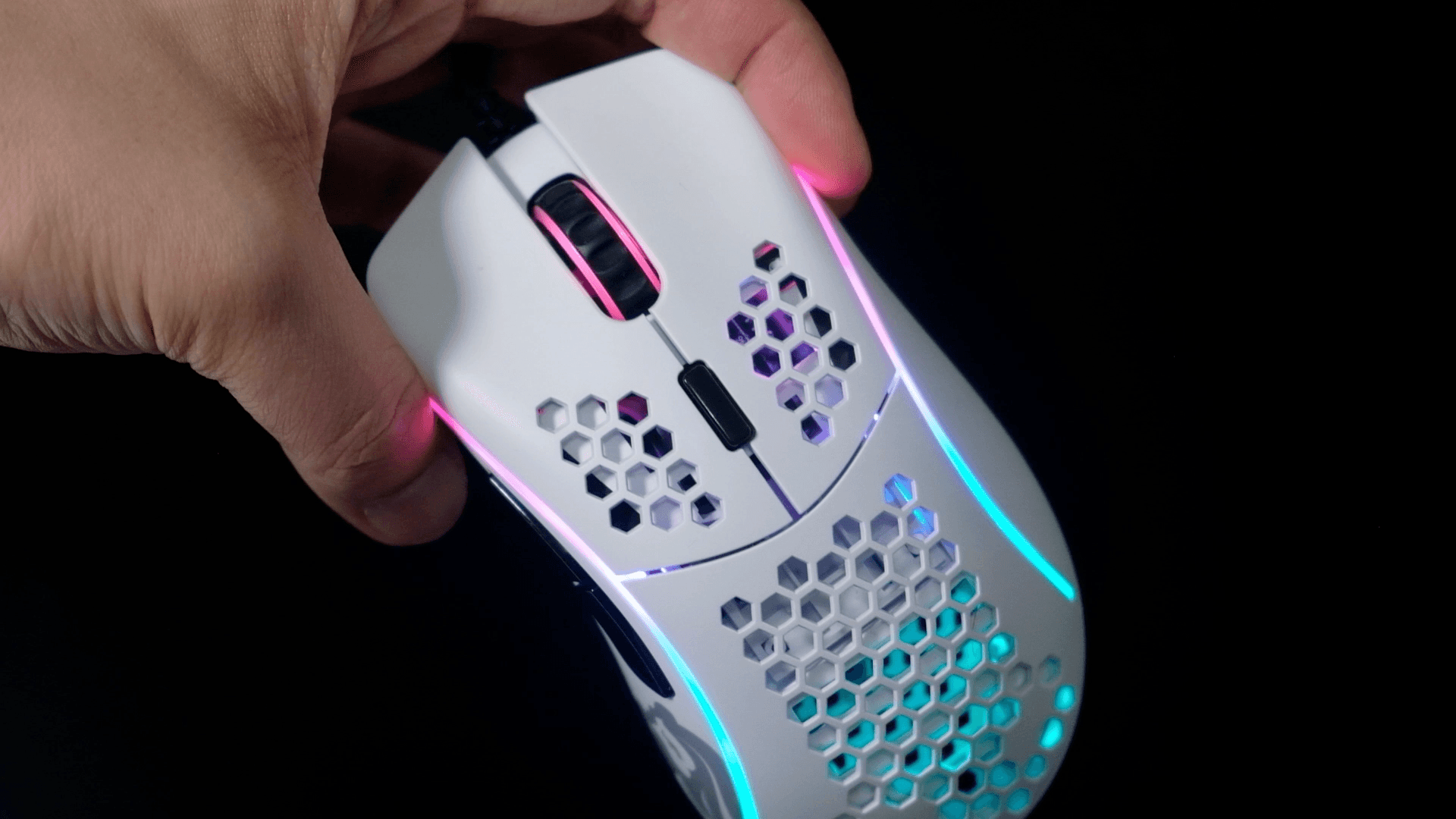
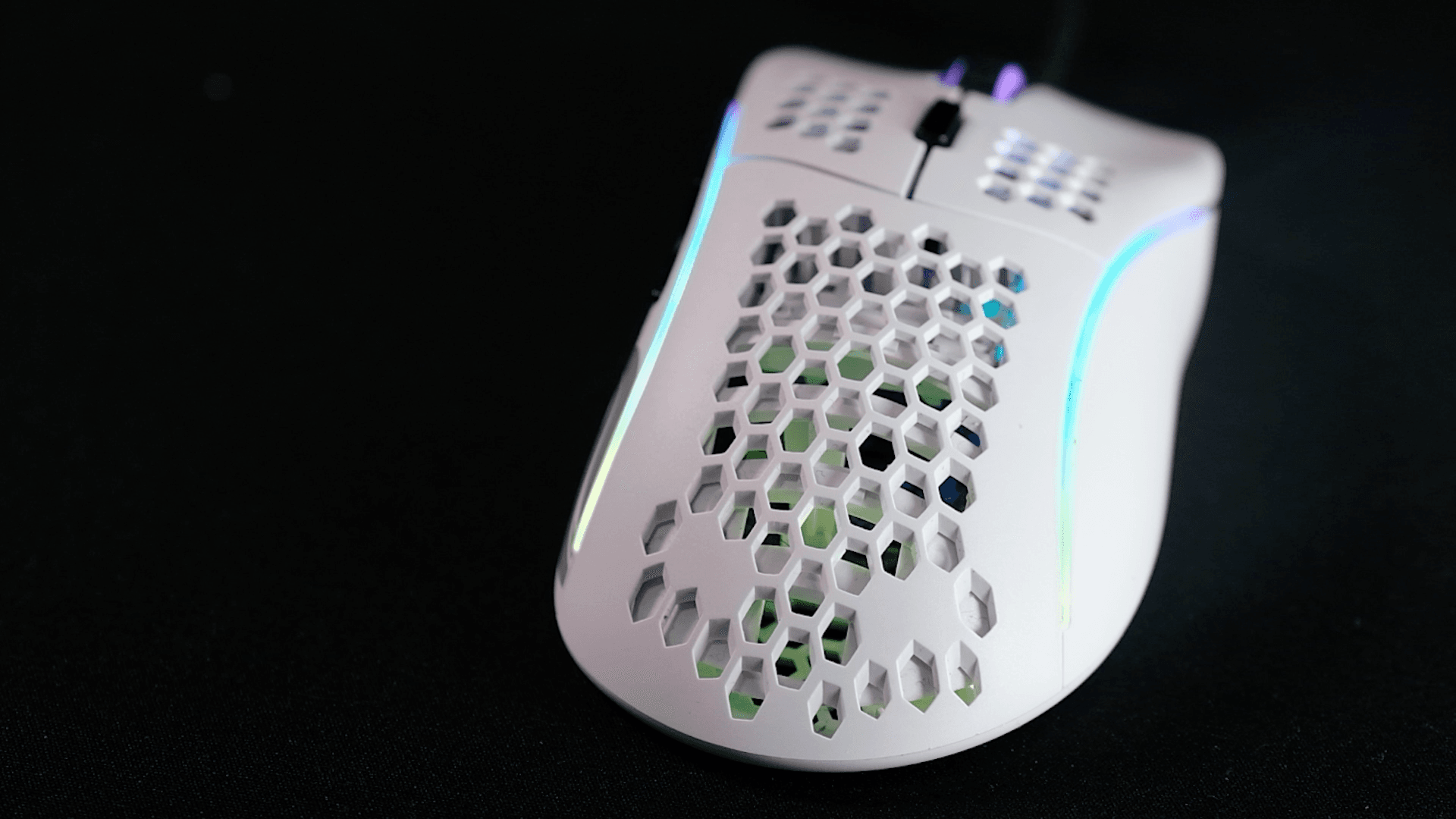
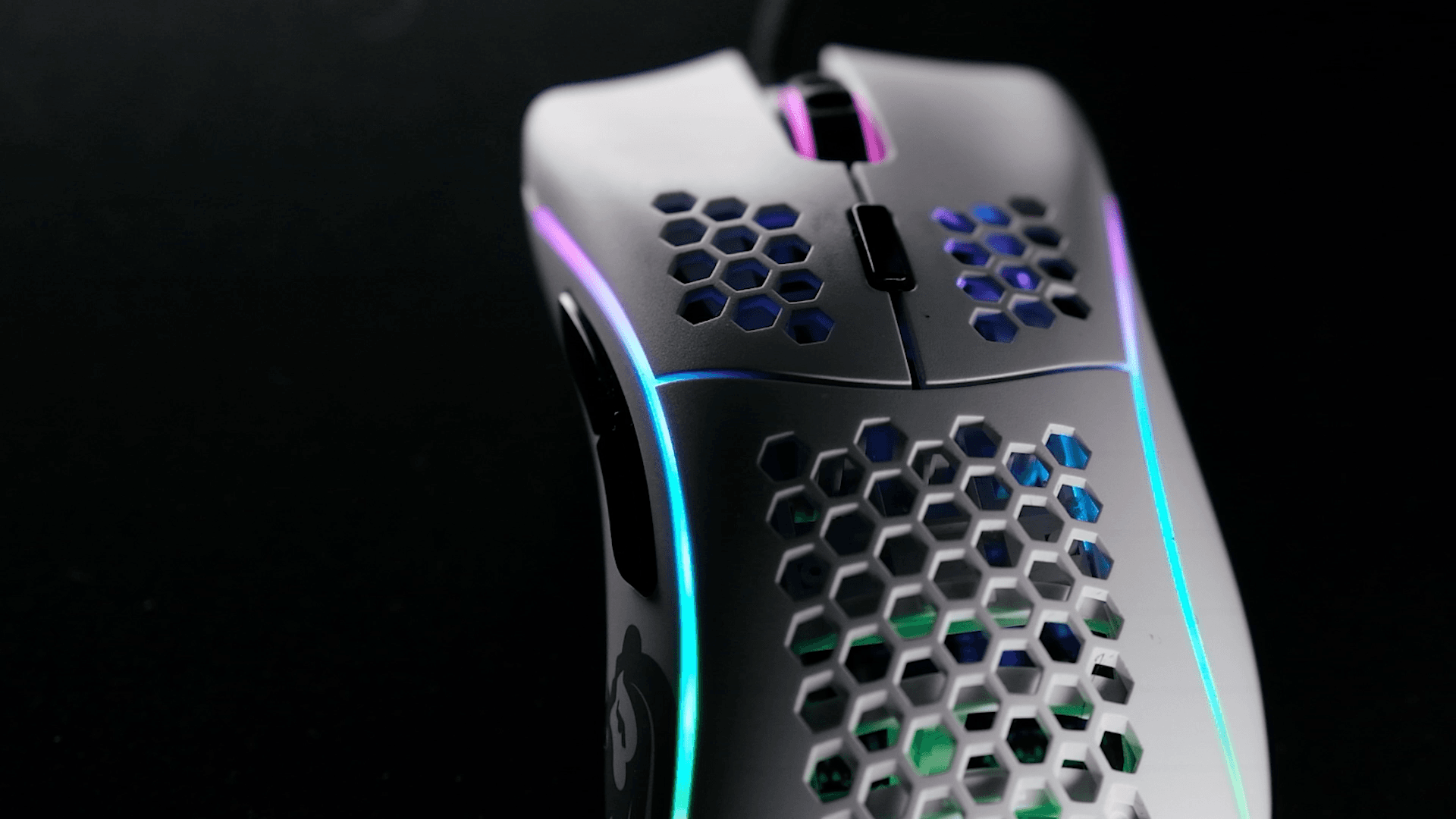
This is Glorious's third mouse and their first ergonomic shape. It shares the Model O's design DNA: the honeycomb hexagon cutouts, the side LED strips, the scroll wheel, and the same button layout of M1, M2, M3, the DPI switch, and two thumb buttons. The thumb buttons are noticeably bigger than the O's to suit the ergonomic shape.



SIZE, GRIP & WEIGHT
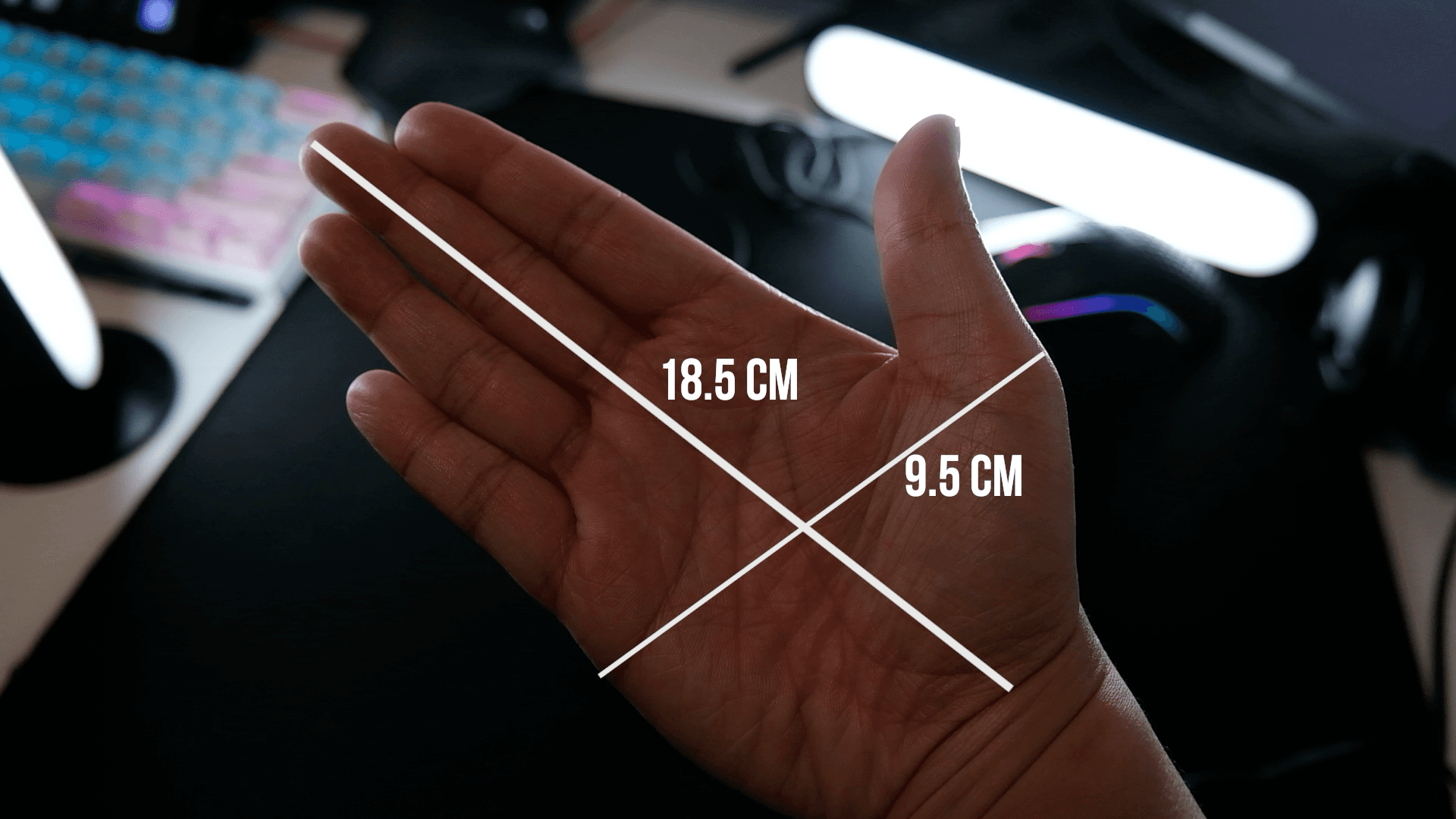
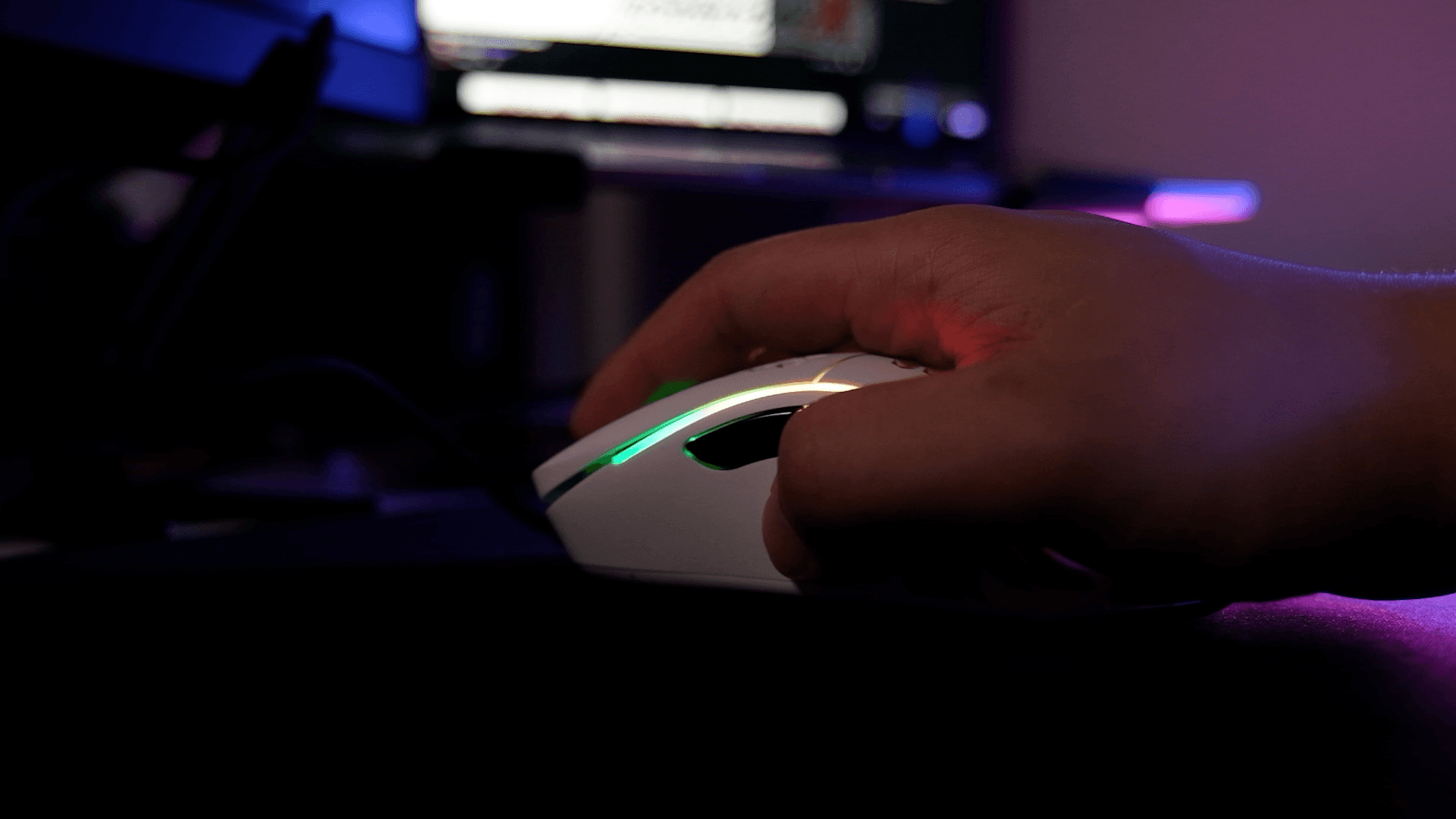
My hand measures 18.5 cm by 9.5 cm, and the Model D fills my hand, so I can really only run a palm grip with it. I tried claw and fingertip and neither is comfortable for me. On the plus side, my hand rests perfectly with none of my wrist dragging on the pad.


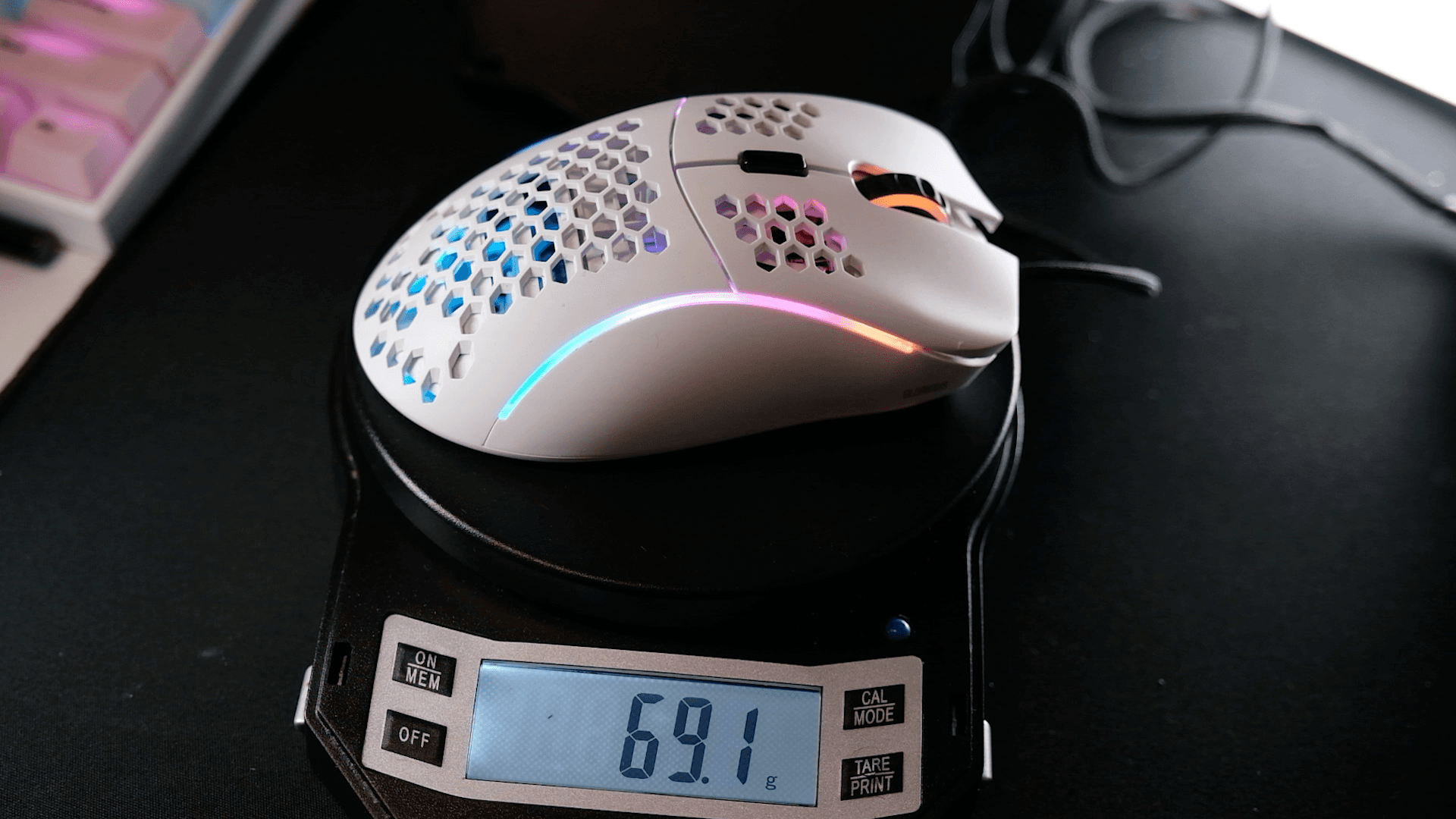
The box says 68 g. On my scale it came in at 69 g, one gram over, which is close enough. It uses the same Omron mechanical switches as the Model O, rated for 20 million clicks. They feel great and I've had no issues with them.

THE ONE ISSUE: THE MOUSE WHEEL
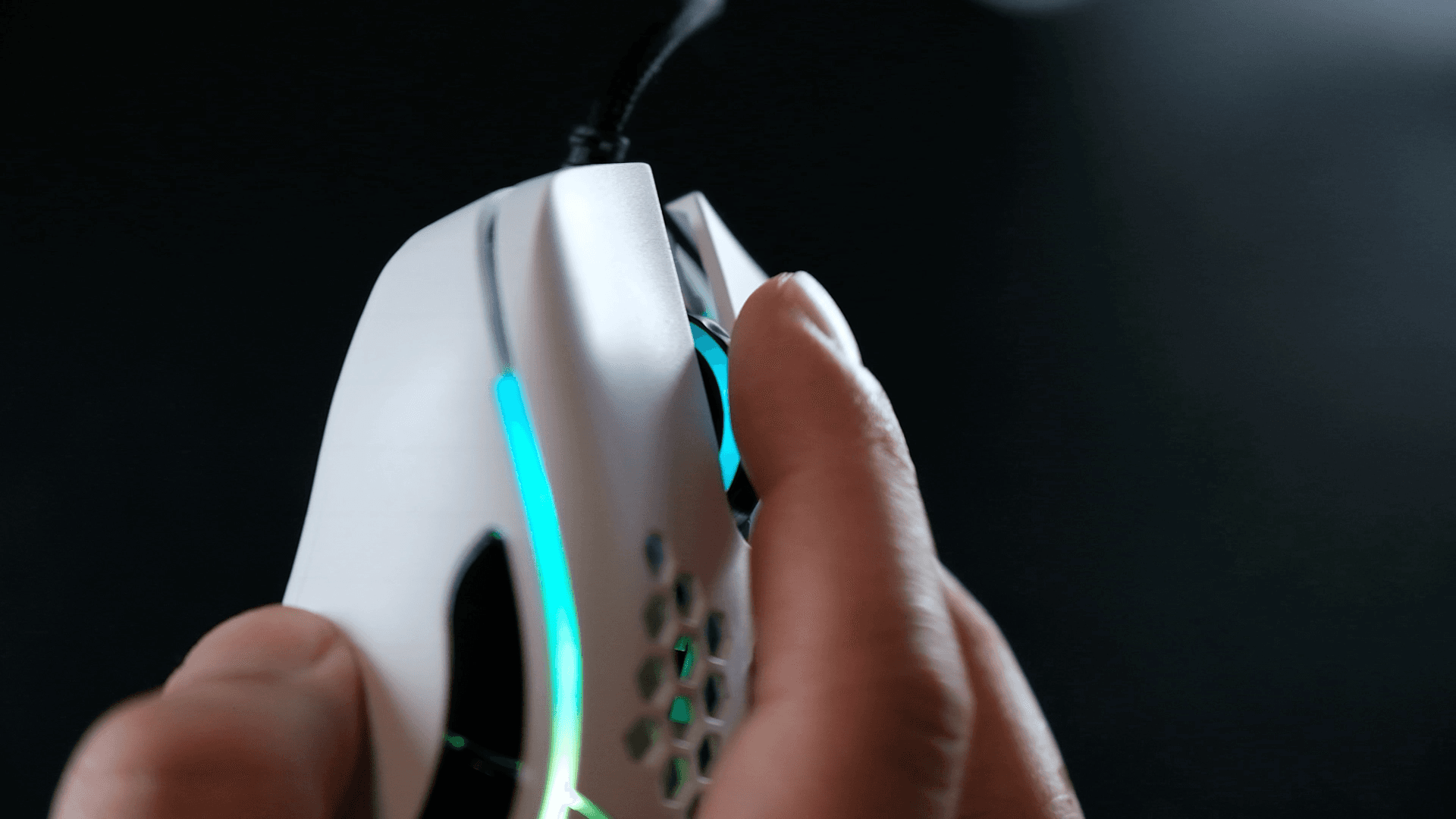
The biggest niggle for me is the mouse wheel, and this may just be my copy. It's not as smooth as the wheel on my O-. It feels a little scratchy, which throws me off because I can't always tell if a scroll registered. The good news is it doesn't actually affect input, it's purely the feel. I may pop it open to check for debris, and I'll fire off an email to Glorious to see if it's a common thing.

SENSOR & PERFORMANCE
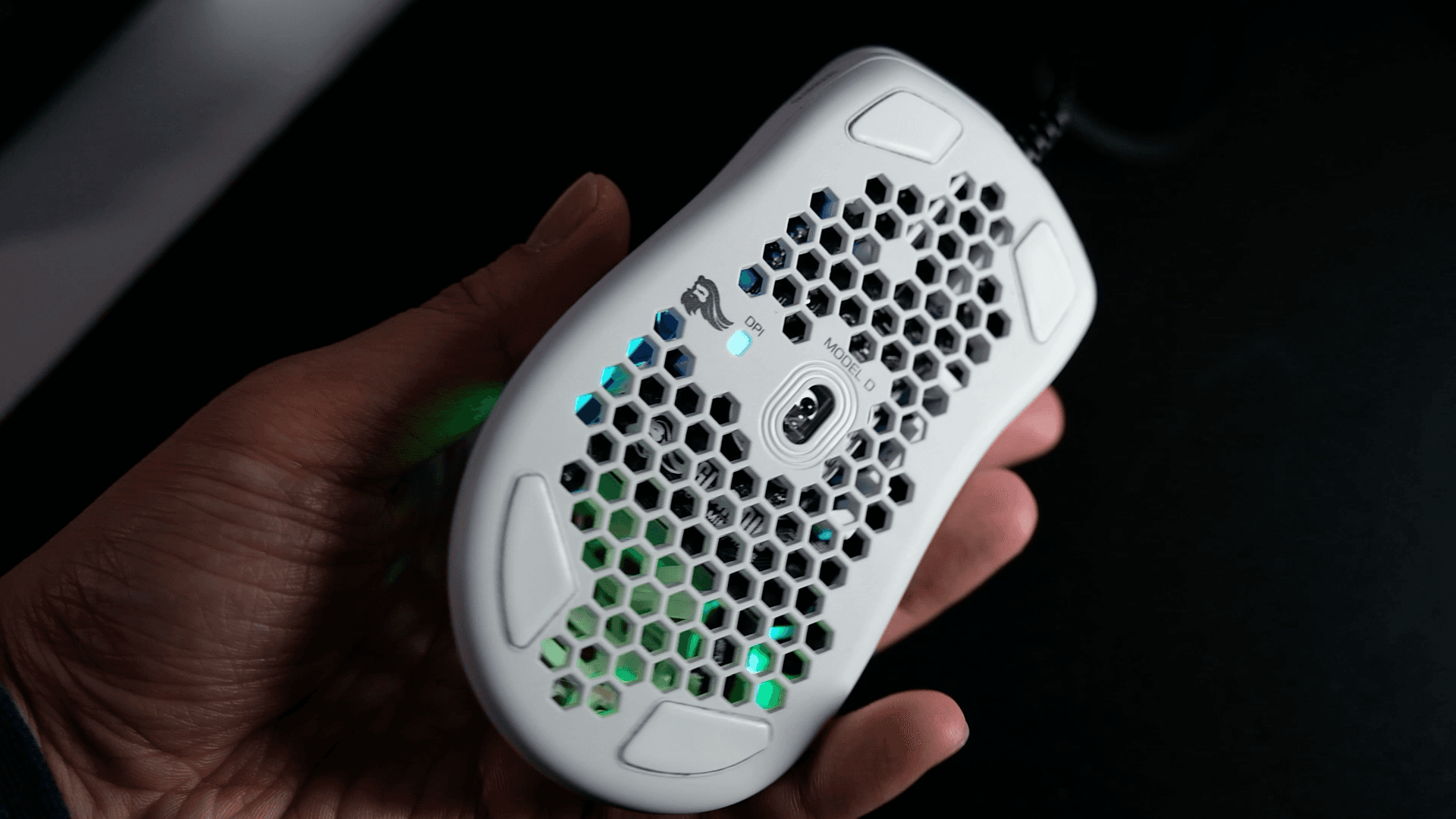
The sensor is the PMW 3360, the same tried-and-true sensor as the Model O and a favorite for competitive shooters. No issues whatsoever. Max DPI is 12,000, with default steps of 400, 800, 1600, and 3200, and you can configure it in steps of 100 in the software. It tracks beautifully on my Glorious XL pad, and you can see it in-game. My flicks and one-taps land exactly where I want them.

I've been playing a lot of CS:GO and Valorant with it, and once I re-adjusted to a palm grip it actually felt natural fast. I control sprays well and it's been landing my AWP shots. If Glorious ever releases a smaller D, that'd be my perfect mouse, but for now I'll run palm grip on the D and claw/fingertip on the O-.
For the curious: I run 800 DPI, with an in-game sens of 0.08 in CS:GO and 0.255 in Valorant. Take your CS:GO sens, divide by 3.1, and you get the matching Valorant sens. That's what I did, and both feel nearly identical.
THE CABLE
They've updated the cable to the Glorious Ascended cable. The old shoelace-style one on the Minus never fit my mouse bungee, but the Ascended fits perfectly. It comes in a bunch of colors if you want to change it up, retailing around $20.
FINAL THOUGHTS
If you want a lightweight, ergonomic gaming mouse that won't break the bank, the Glorious Model D is a great option. The sensor is excellent, the switches are great, and at around $50 you really can't ask for much more. The only thing holding mine back slightly is the scratchy scroll wheel, and I suspect that's just my copy.
Got a mouse you want me to review next? Drop it in the video comments, and join the Discord if you want to chat.