Logitech G29 Review: The Wheel That Got Me Into Sim Racing
By Romel Dris·Published ·5 min read·Sim RacingGearTech
From the video archive
Adapted from my original video, published Jan 2, 2020. Watch original

SOME BACKGROUND
UNBOXING & SETUP
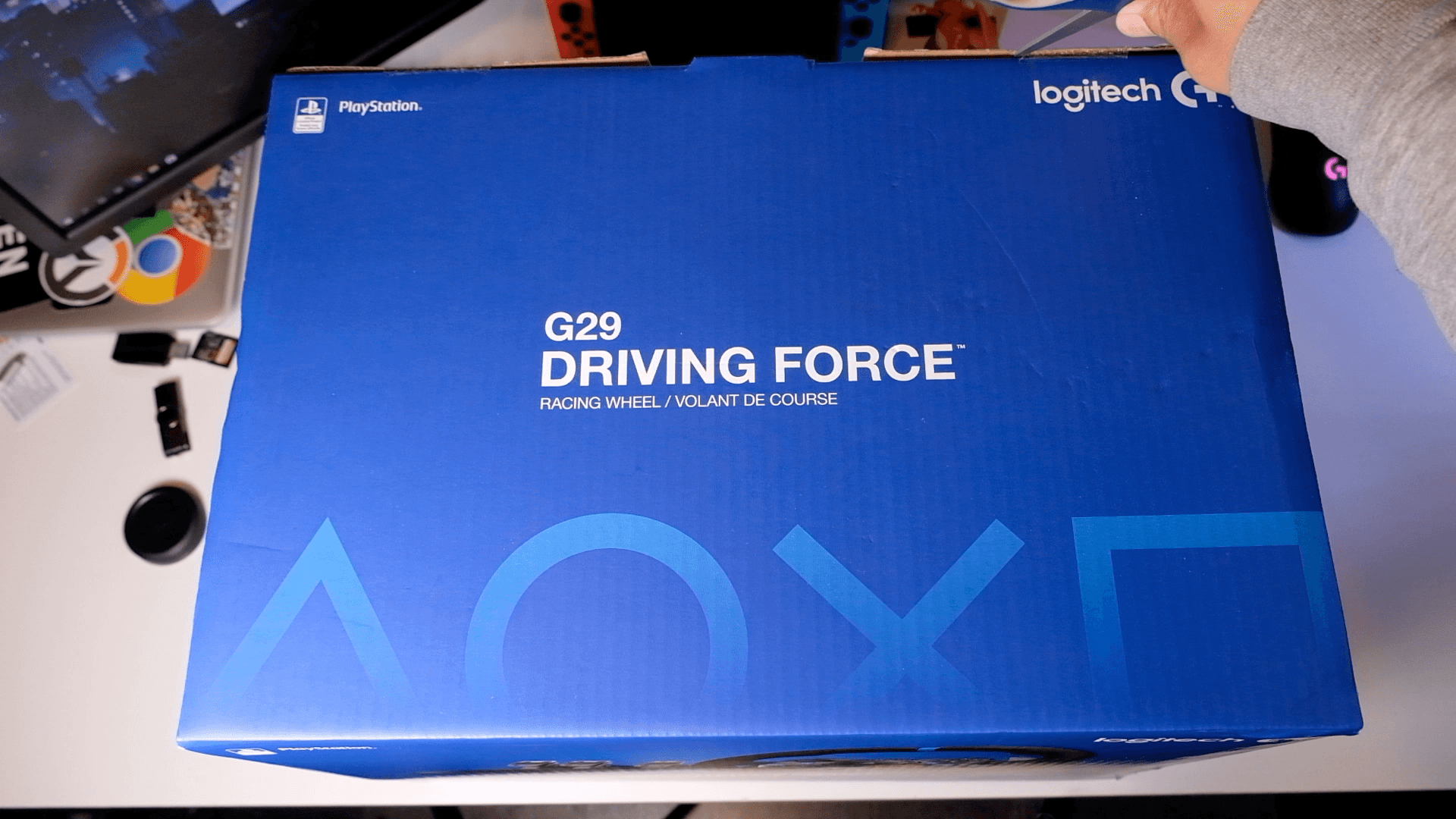

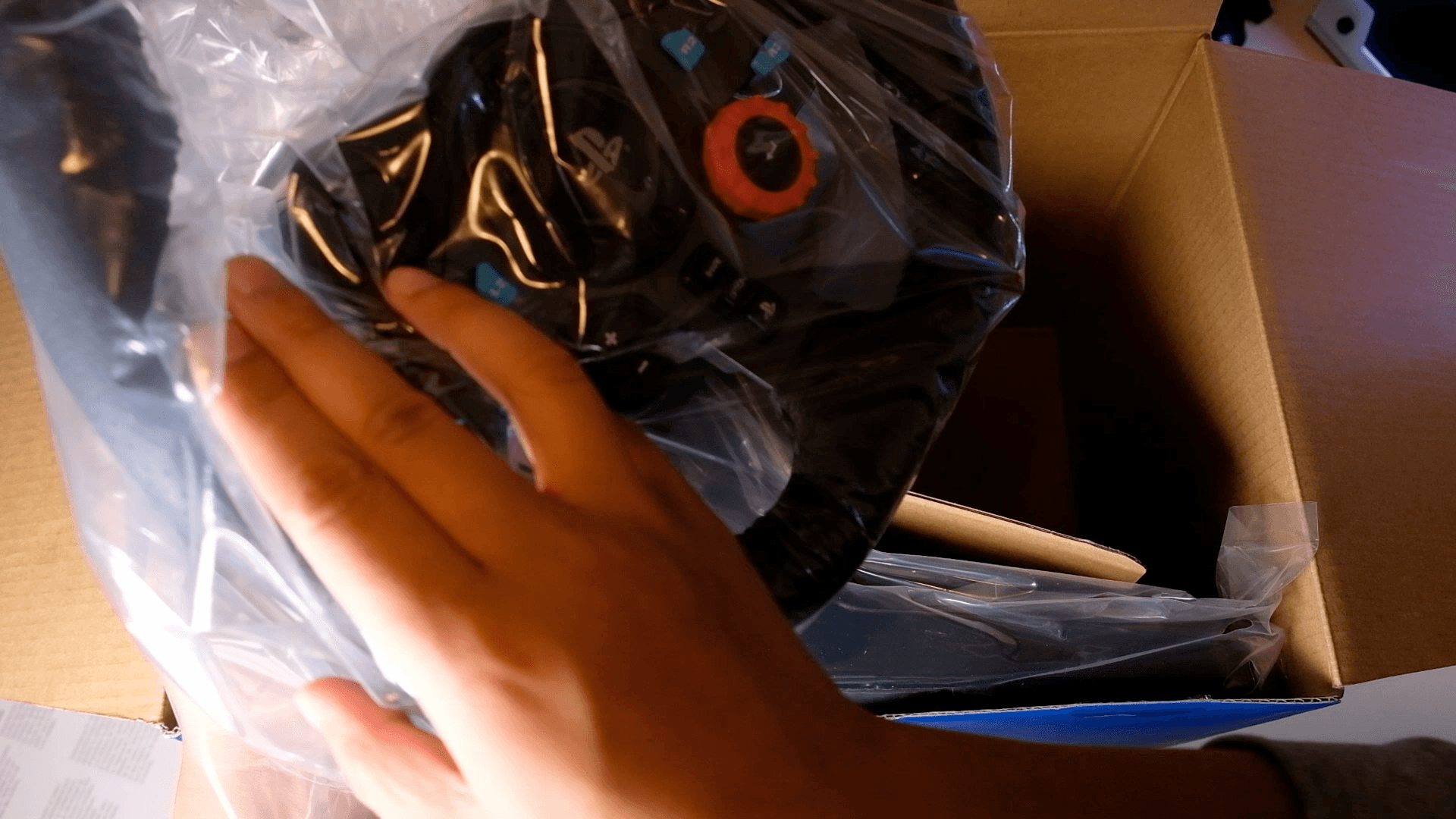
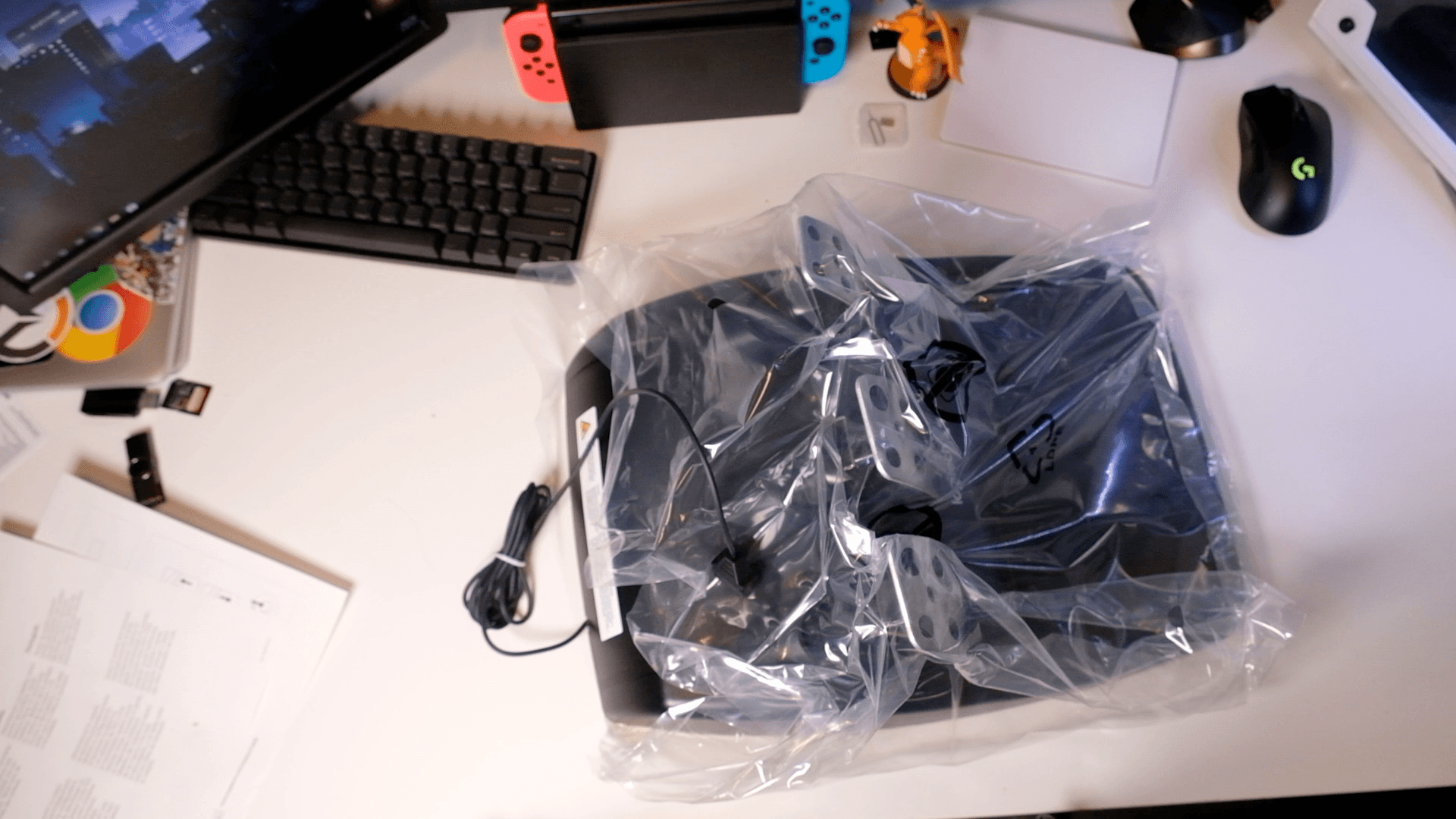
Inside the box you get the wheel, the pedals, and the AC adapter, and that's pretty much it. There's even a space where a shifter could fit, but Logitech sells that separately. Setup is straightforward: plug power and pedals into the wheel, then USB from the wheel into your computer or console. Just be aware it calibrates itself every time you turn it on, so it'll jerk around a bit on startup.


FEATURES
- 900 degrees of rotation
- Dual-motor, gear-driven force feedback at about 2.1 Nm of torque
- Hand-stitched leather wheel
- 14 buttons plus paddle shifters, a rotary dial, and +/- buttons
- LED rev/shift indicators at the top, genuinely handy for knowing when to shift or if you're redlining
That 2.1 Nm of torque is decent. There are much stronger options now, like belt-driven and direct drive, but those cost way, way more.
THE PEDALS
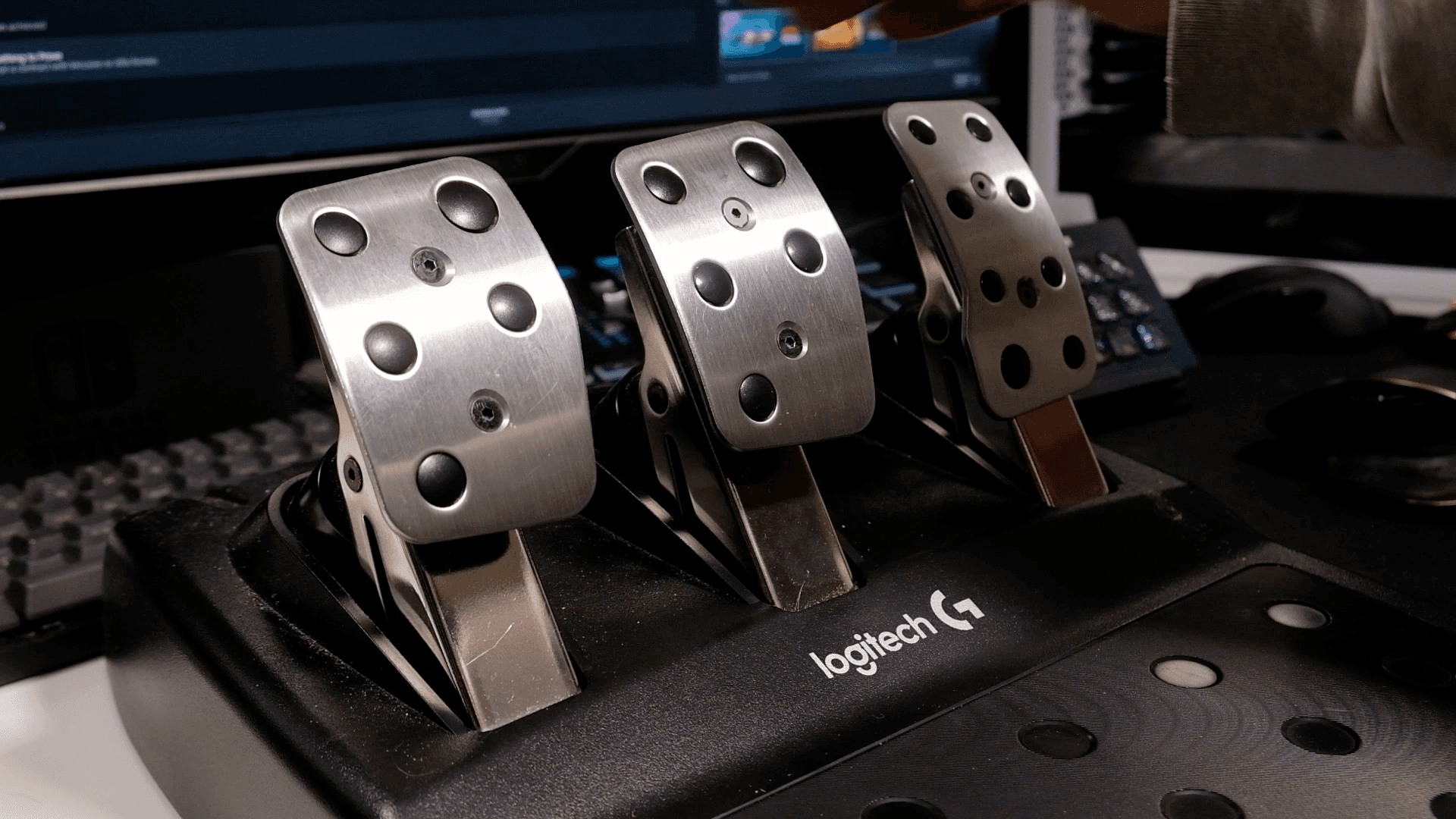

The pedals are all potentiometer-based with a nonlinear brake. That means throttle and clutch are based on how far the pedal travels, not how hard you press, which is what a load cell measures. I didn't have many issues with throttle or clutch, but the brake took getting used to. There's an extra rubber piece and a stiffer spring, so the first 50% felt easy and then it got much firmer and needed real force.
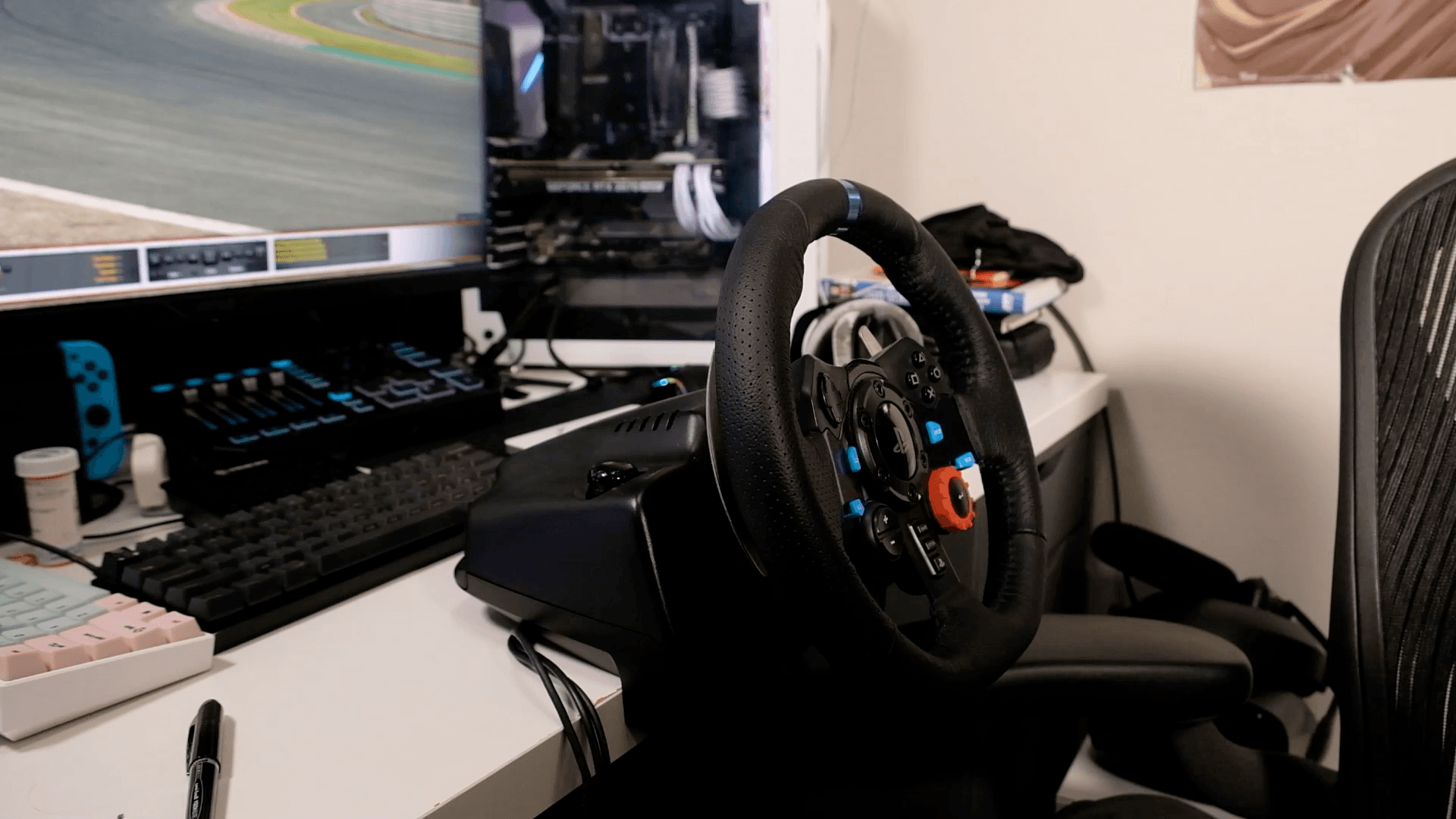
Both the wheel and pedals can be mounted in a rig or wheel stand, but I didn't have the space, so I ran mine on a desk. The wheel has built-in desk clamps. The pedals can sit on the floor, but without the carpet grip or something to brace against they will slide when you really press down on the brake. Put them against something or use a rig.

SOFTWARE & GAMES
You'll need Logitech Gaming Software or G Hub. Heads up: G Hub caused issues with my Ryzen CPU, but Logitech Gaming Software was flawless for me. Once the drivers are in, it works in any game that supports the wheel. A lot of the games have presets for the G29, and in some cases you'll use the G27 settings which should still work.
I've used it on Project Cars 2, Assetto Corsa, F1 2019, and iRacing with no issues. The wheel felt good and gave me a real sense of how the car was handling. I'd sometimes notice the gears skipping, and the force wasn't as smooth as it can be in high-FFB games like F1, where it got pretty loud, but you can dial that back in the settings. One thing to remember when switching games: adjust the rotation. iRacing uses the full 900°, while F1 you really only want around 360°.
BUTTONS & SHIFTERS
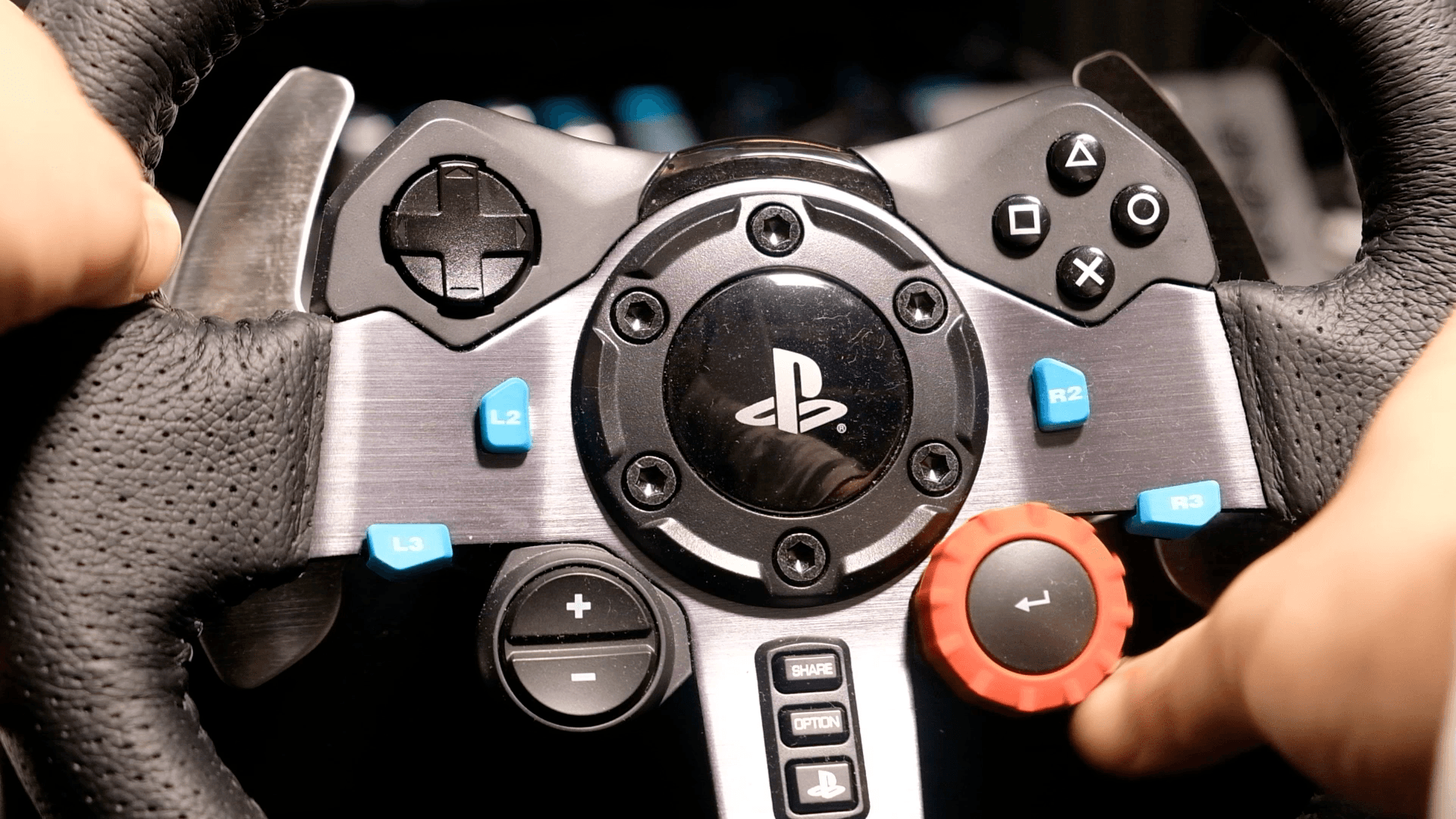
The buttons are laid out like a standard PS4 controller: d-pad on the left, face buttons on the right, shoulder buttons below, plus the rotary dial and +/- buttons, all mappable to whatever you need in-car. On PC you also get the option/share/PS buttons to map. The paddle shifters felt firm and responsive, and I had no issues with them. I used the clutch mainly for launches at race starts, but otherwise it was paddles all the way.

THE ONE THING TO UPGRADE FIRST
The biggest issue, like anyone in the sim racing community will tell you, is braking. The pedals are what you'll want to upgrade first. You can get aftermarket springs and stoppers that are miles ahead of stock, but you still won't get the consistency of a load cell setup. I was okay at braking, but everyone on my stream kept telling me that once I tried load cell pedals I'd see a big jump in consistency, and that's where I'd shave a lot of time.
SHOULD YOU BUY IT?
If you're looking to get started in sim racing, I'd highly recommend the Logitech G29 or G920. It's the perfect wheel to get your feet wet without dropping too much money, and you get most of the features you'd actually want. You can spend less and sacrifice force feedback, or spend a lot more for belt-driven or direct drive, but the G29 sits right in the middle as great value.
It also has sensible upgrade paths: you can run the wheel without the pedals, so you can upgrade pedals first, or keep the pedals and upgrade the wheel, you just need the actual G29 wheel plugged in. If you've ever been curious about sim racing, this is a fantastic place to start. Just maybe don't go off the deep end like I did.