TC Helicon GoXLR + Rode Procaster Review
·~8 min
From the video archive
Adapted from my original video, published Dec 19, 2019. Watch original
I’ll be doing a review of the TC Helicon Go XLR Mixer and the Rode Procaster as well as showing you guys how I use it on my stream. To preface this, I’m not an audio expert so I won’t be going into too much of the technical details but more so my thoughts of the device as someone that uses it for streaming.
Why I Upgraded From the Blue Yeti
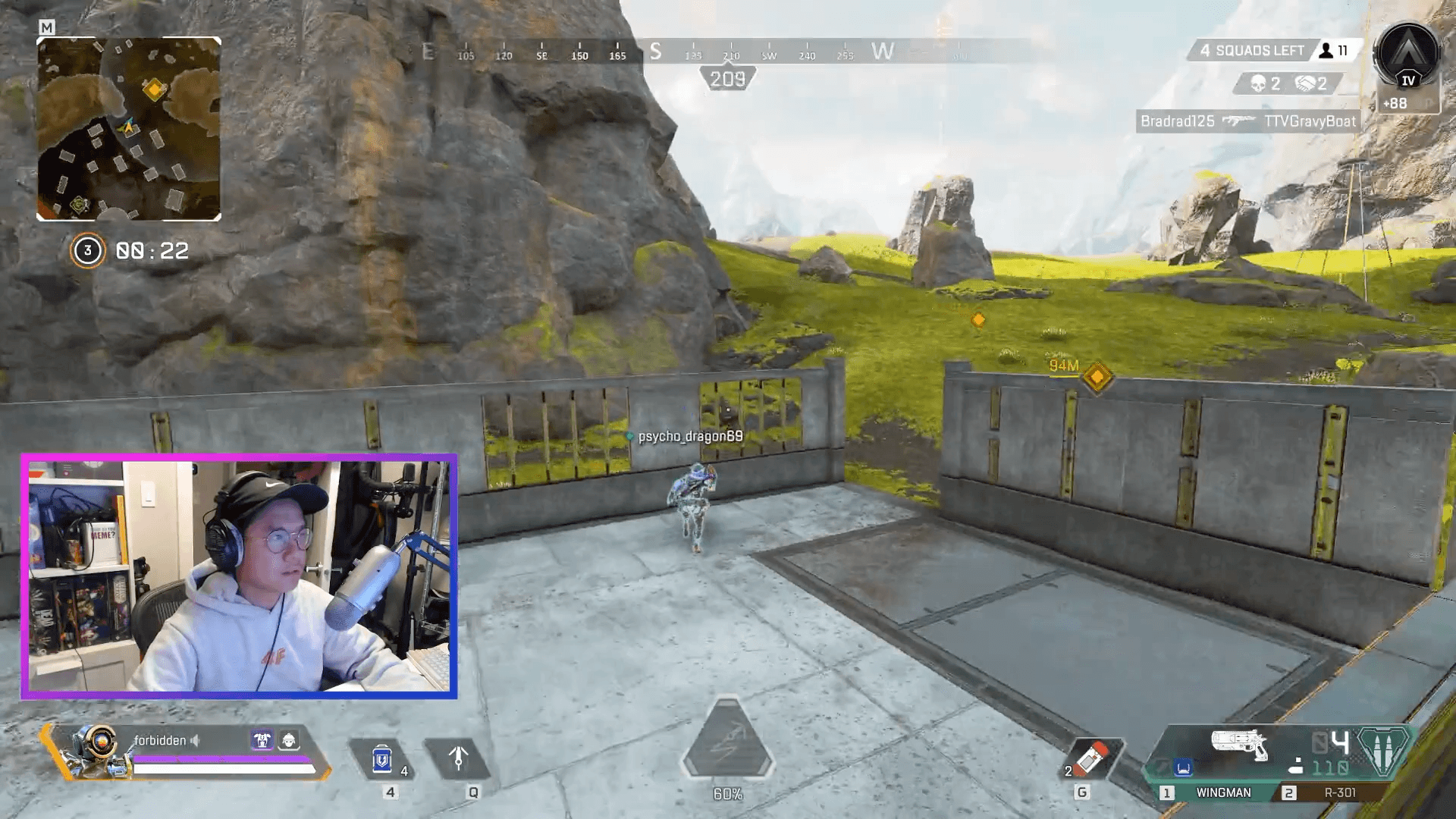
The biggest issues for me that pushed me to upgrade was that I was getting a lot of background noise while streaming with the Blue Yeti. Don’t get me wrong the Blue Yeti itself is a great microphone especially if you’re not looking to spend too much but I did my best to try to get it to sound how I wanted it to but I was just not able to. Here are a couple of clips that are some examples of what I was hearing. Honestly, no one on my stream mentioned that the audio was annoying them, but when I gave it a listen after the streams were done, I knew I could do better. I really want to ensure that my stream is always of high production value especially when it comes to the audio department. I know this upgrade was a bit on the pricier end but I don’t imagine upgrading anytime soon and I hope this will last me most if not all of my Twitch career.
Choosing the Rode Procaster
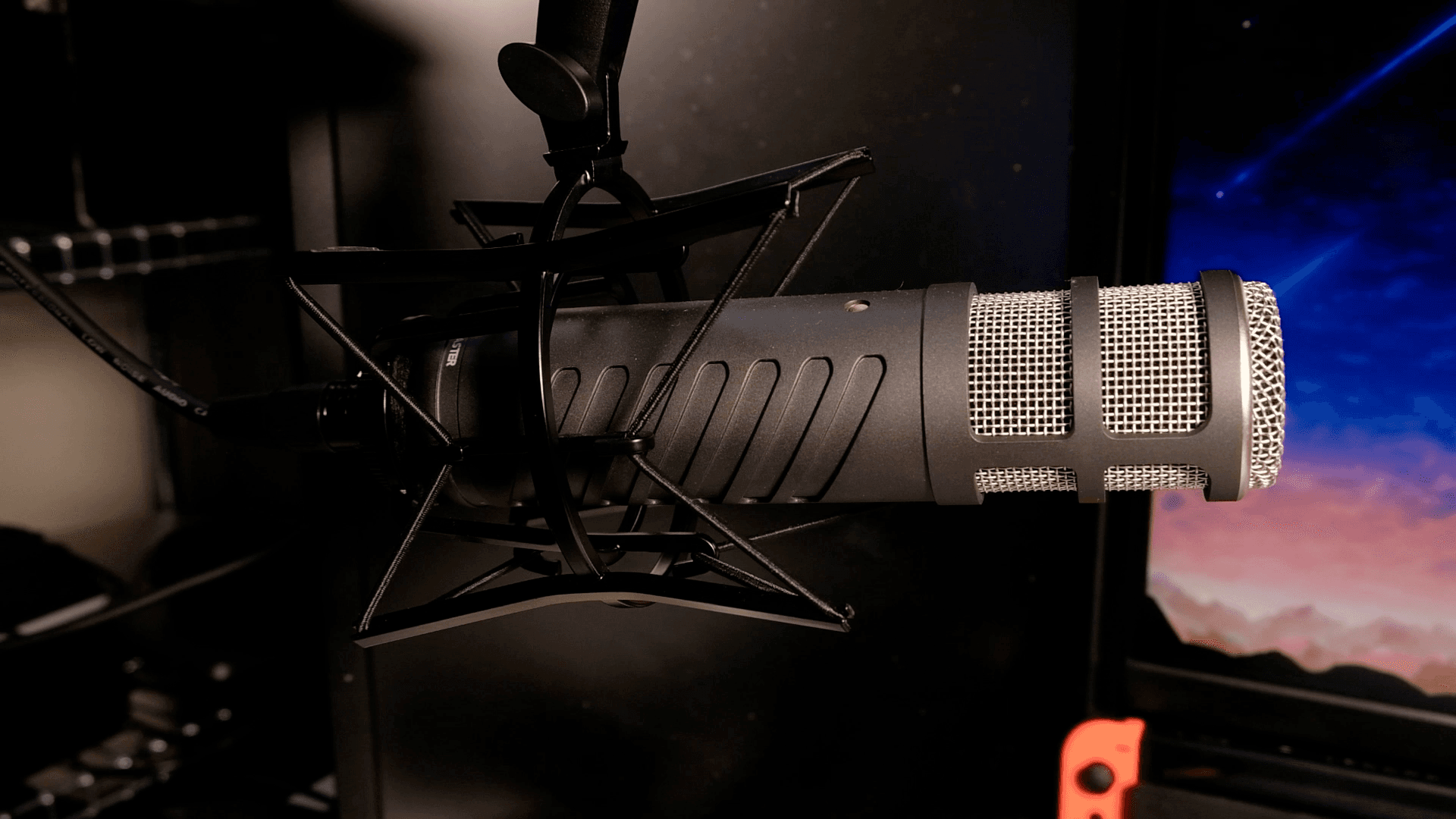
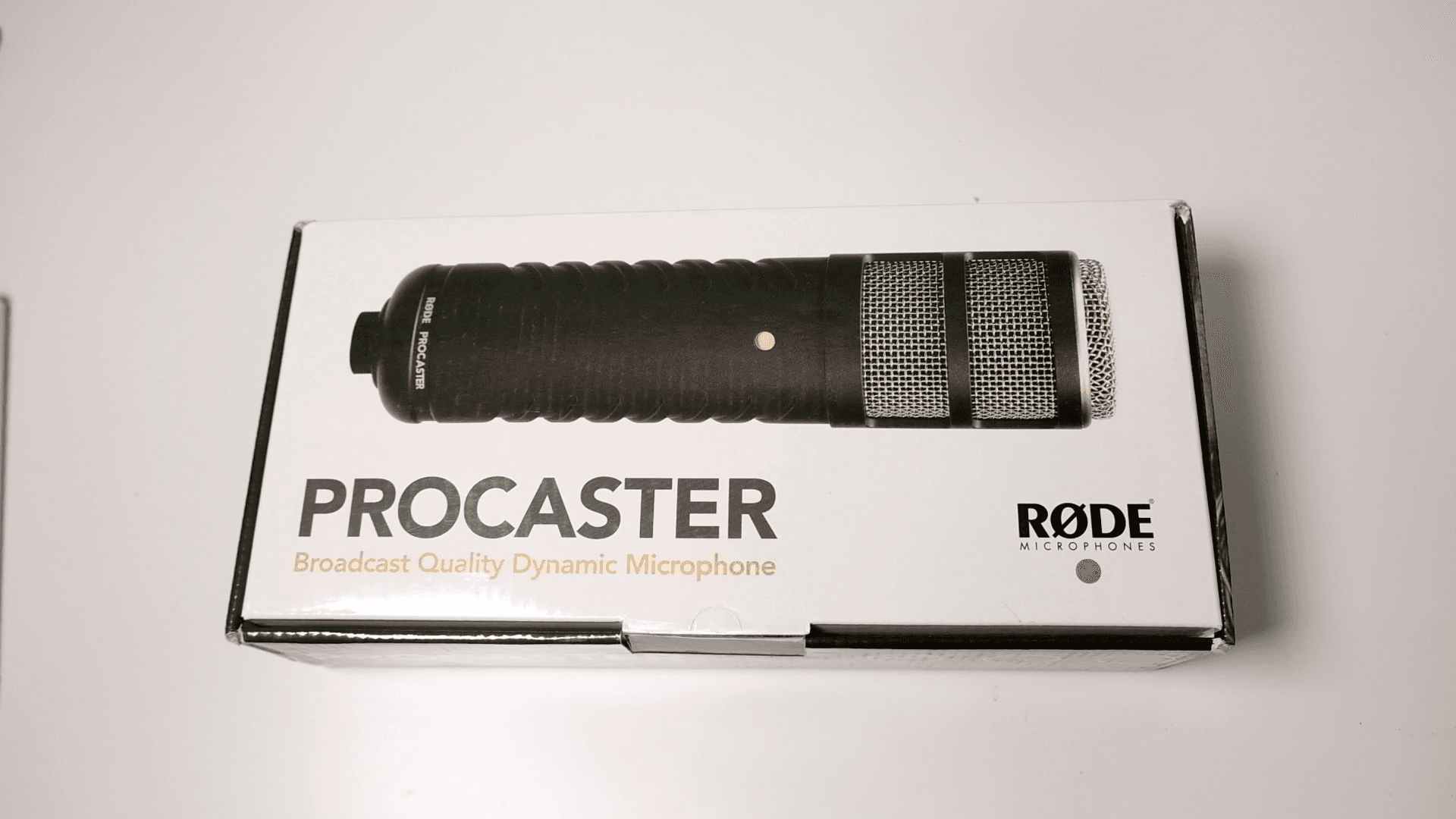
I did a lot of research initially and came to the conclusion that I would need a dynamic microphone because of their pick up pattern and noise rejection. These microphones tend to only pick up things that are directly in front of them which is exactly what I’m looking for. I was really torn between the Shure SM7B and the Rode Procaster but after listening to a lot of different reviews, especially the ones by Bandrew at Podcastage, I was sold on the Rode Procaster. Not only was it $250 cheaper, but it seemed to have the best background noise rejection. I used the money saved to buy the Rode microphone arm as well as the shock mount.
Why I Chose the GoXLR
Since the microphone was XLR, it lead me down the path of finding an audio interface that I could use to plug it into my desktop. This is where things got a little bit overwhelming. There are a lot of options when it comes to mixers and audio interfaces and knowing exactly what would suit my needs. I really wanted something that just worked and would give me the least amount of headaches and cables. The GoXLR seemed like the perfect device and had everything that I would ever need when it comes to streaming or making these videos.
A lot of the mixers that I did look at would require me to purchase a cloud lifter as well to amplify the signal from the microphone to my computer but the GoXLR has the Midas mic preamp which is more than enough for the Procaster and even the Shure SM7B.
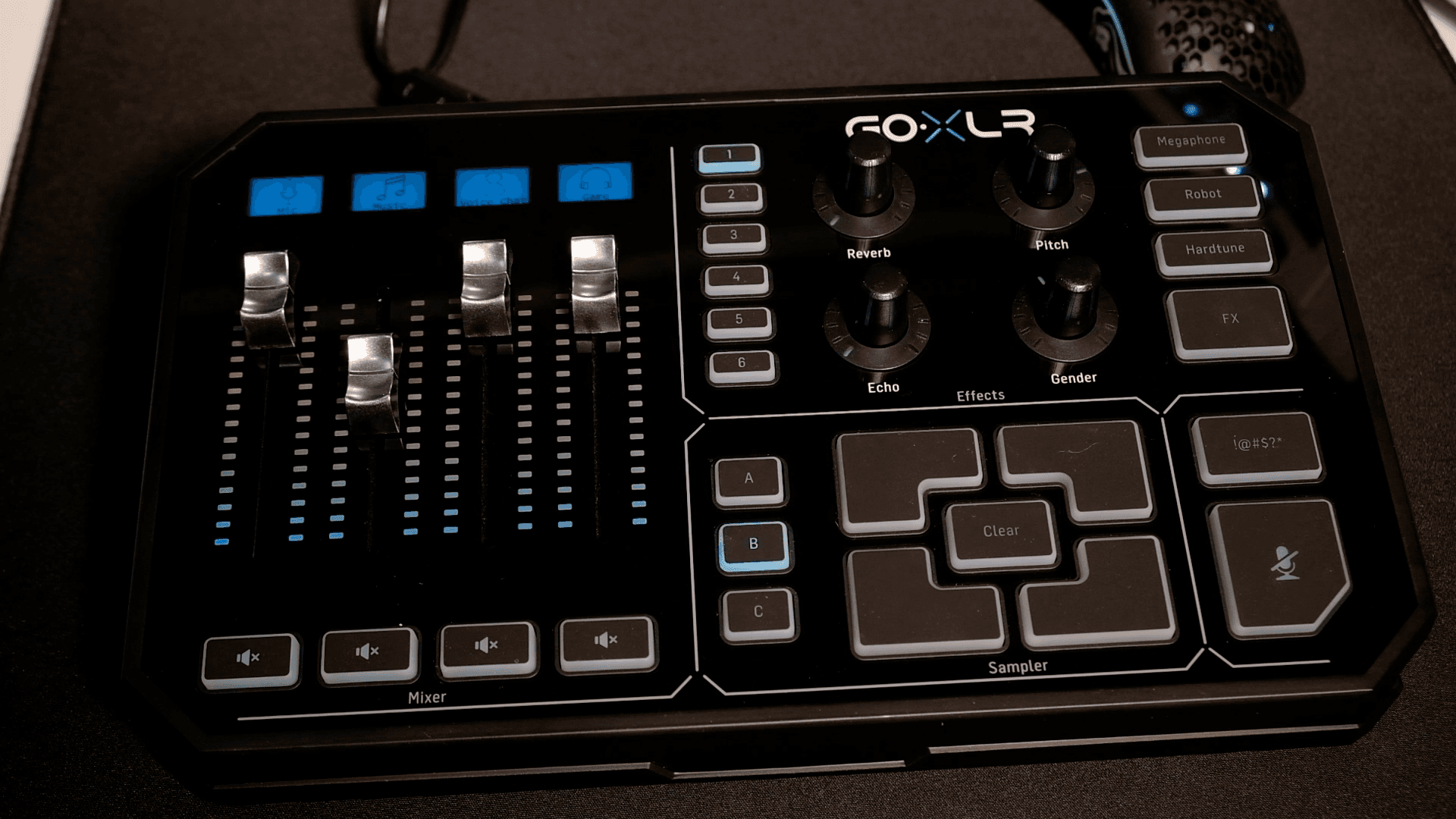
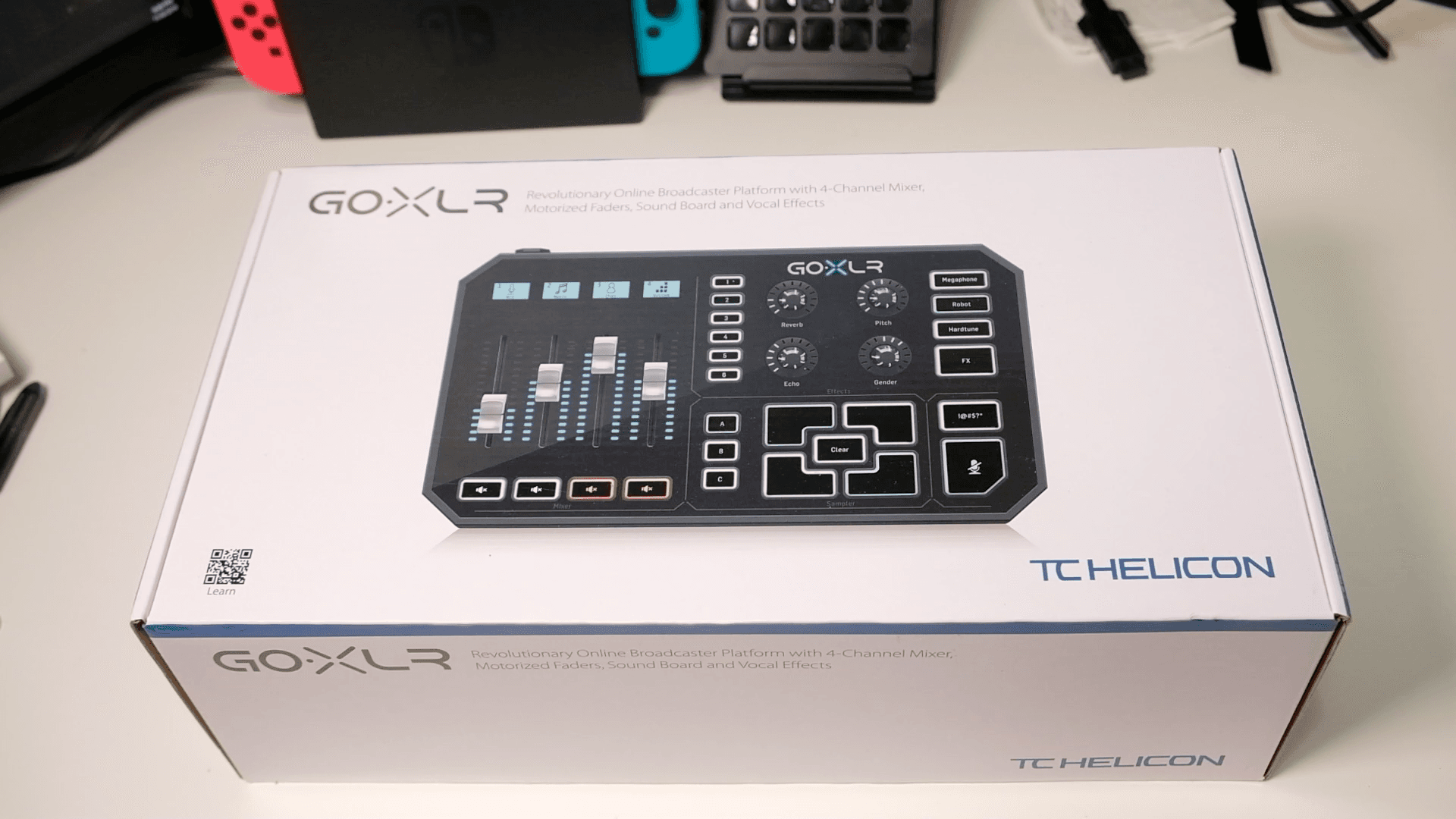
This thing cost me a cool $545CAD but like I said it does everything I need. And if I ever decide to use separte PC for streaming, I wouldn’t have any problems as the GoXLR supports both single and dual pc setups. The mixer itself is essentially 3 different devices all rolled into 1. You have the mixer with the faders, the effects knobs, and the sample pads.
GoXLR Design and Hardware
Let’s start with the physical appearance of the GoXLR.
I really like how everything is laid out on the GoXLR, it’s very clear what each section does and you know exactly what a button or a dial will do. There’s really no guess work involed when it comes to the layout. If you’ve seem some of the other mixers, you’ll know that there could be a ton of buttons and I know I would get easily mixed up.
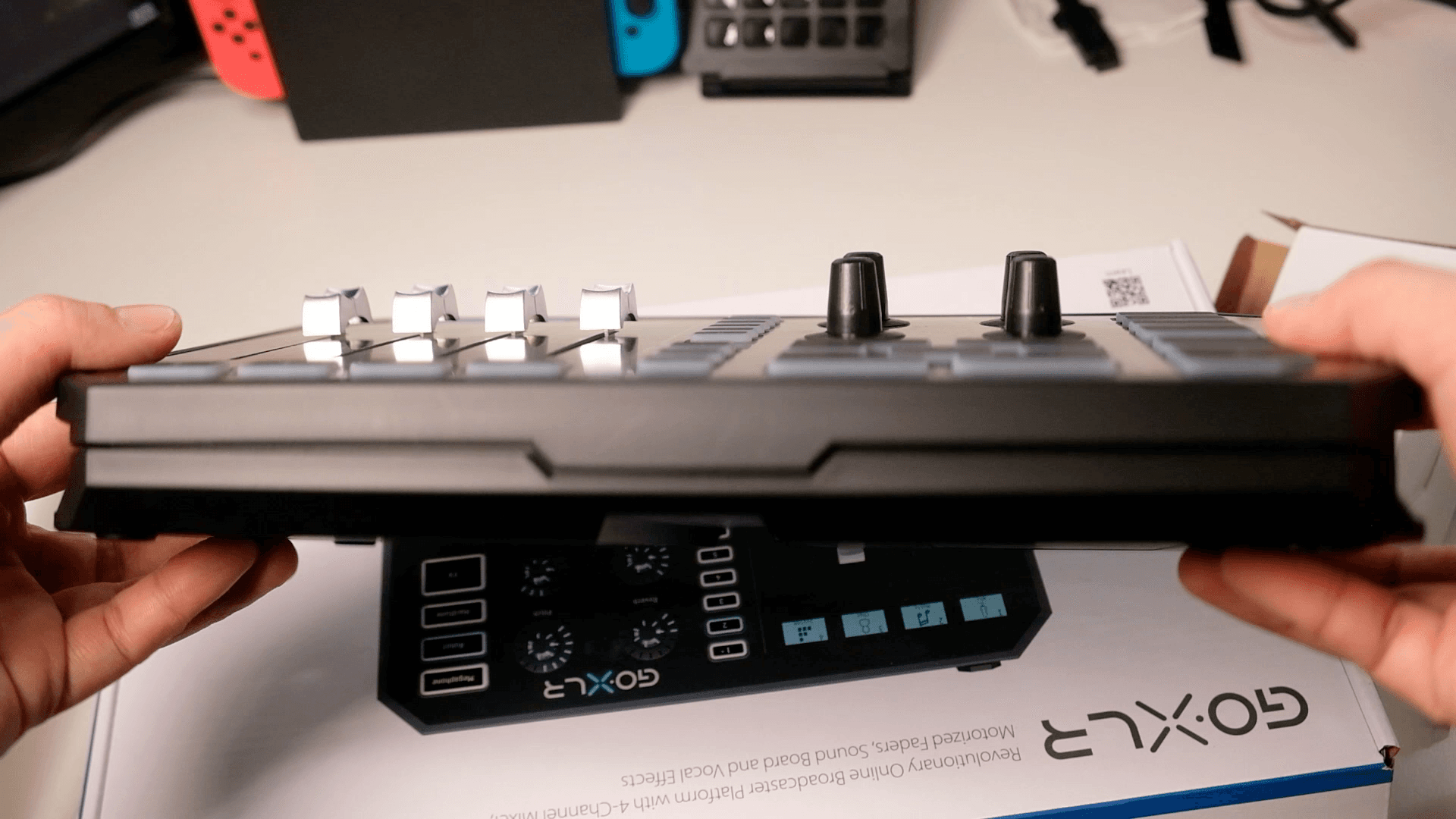
The GoXLR itself, isn’t the smallest of devices and I also think that it’s not too big. It does take up a bunch of room on my desk but since it’s underneath my montior I don’t really notice it too much and there was nothing there in the first place anyways.
There’s nothing on the front of the GoXLR besides this little nook which you can use to route your headphone cables from the back to the front of this without having the cable sit ontop or to the side of the device.
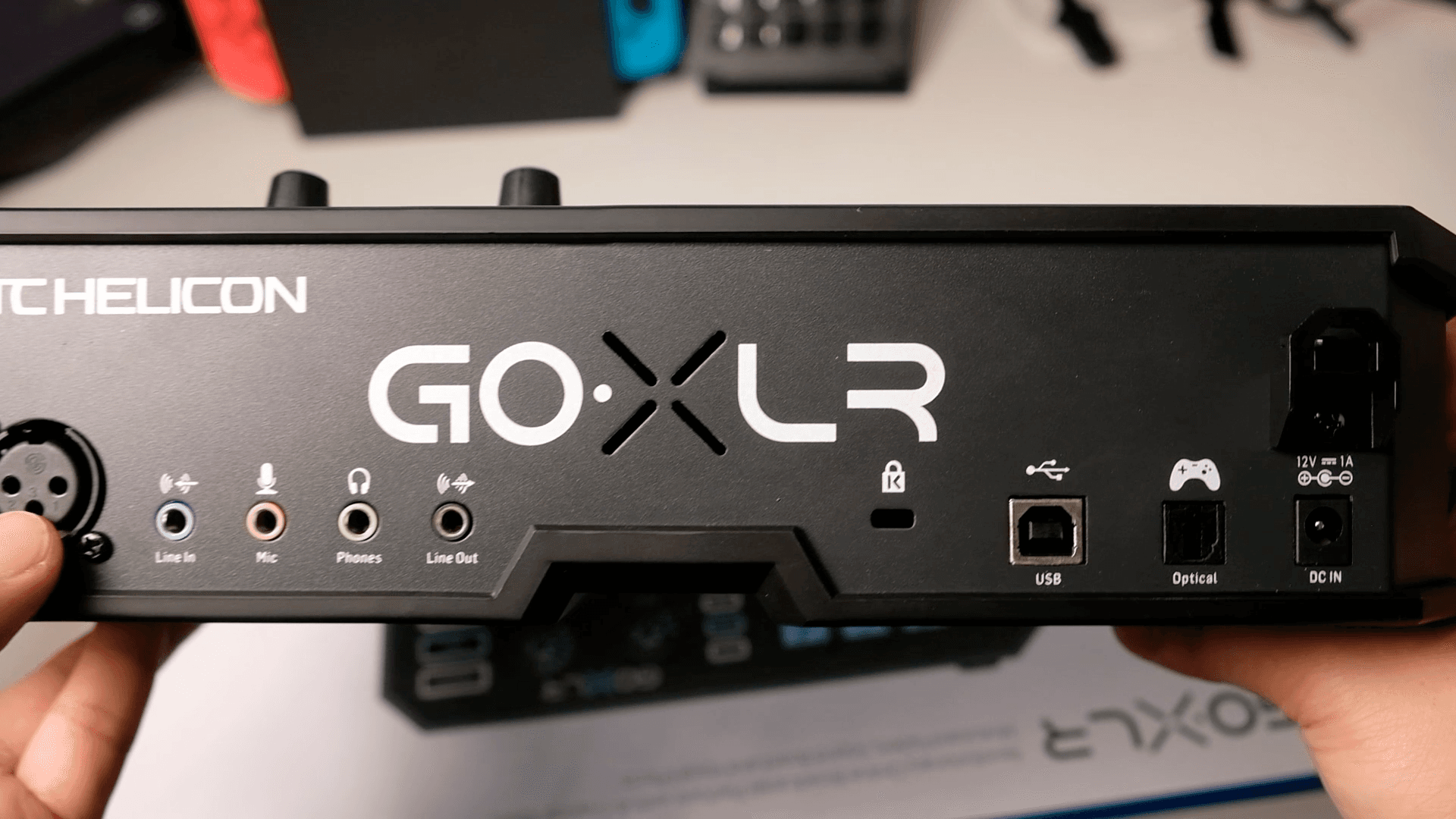
On the back is where you’ll find all of the inputs and outputs that you need. You have the XLR jack there’s only 1. You have the 3.5mm microphone in, the line in, line out, headphones out. On the other side you have the kensington lock, usb, and power.
This does also offer full customizeable RGB which is a plus if that’s something you want. I personally find that it’s nott too much RGB and is great to know which profile your on just by looking at the colors of the buttons
GoXLR Software and Setup
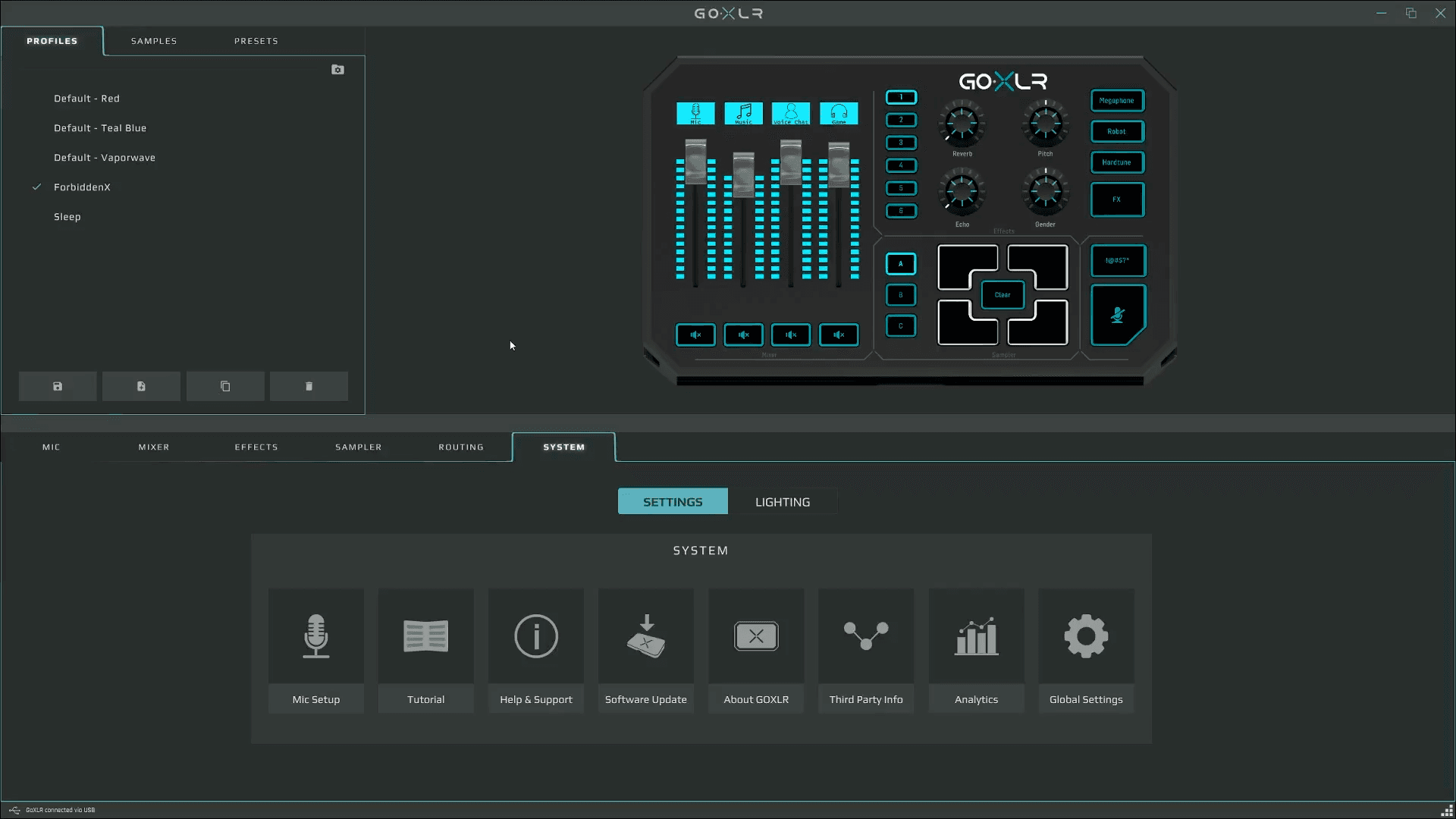
Before you do use the device, make sure you have the latest drivers installed as well as the latest GoXLR app as you’ll need it to use the device.
Mixer and Faders
On the left side you have the Mixer with the faders, these faders are all motorized and they will move by themselves depending on what is set in the software if you didn’t adjust them on the device it self. You can control up to 4 different channels and you can customize each label at the top since it is an individual LCD screen. For me I have my Microphone, My Music, my chat, and my system.
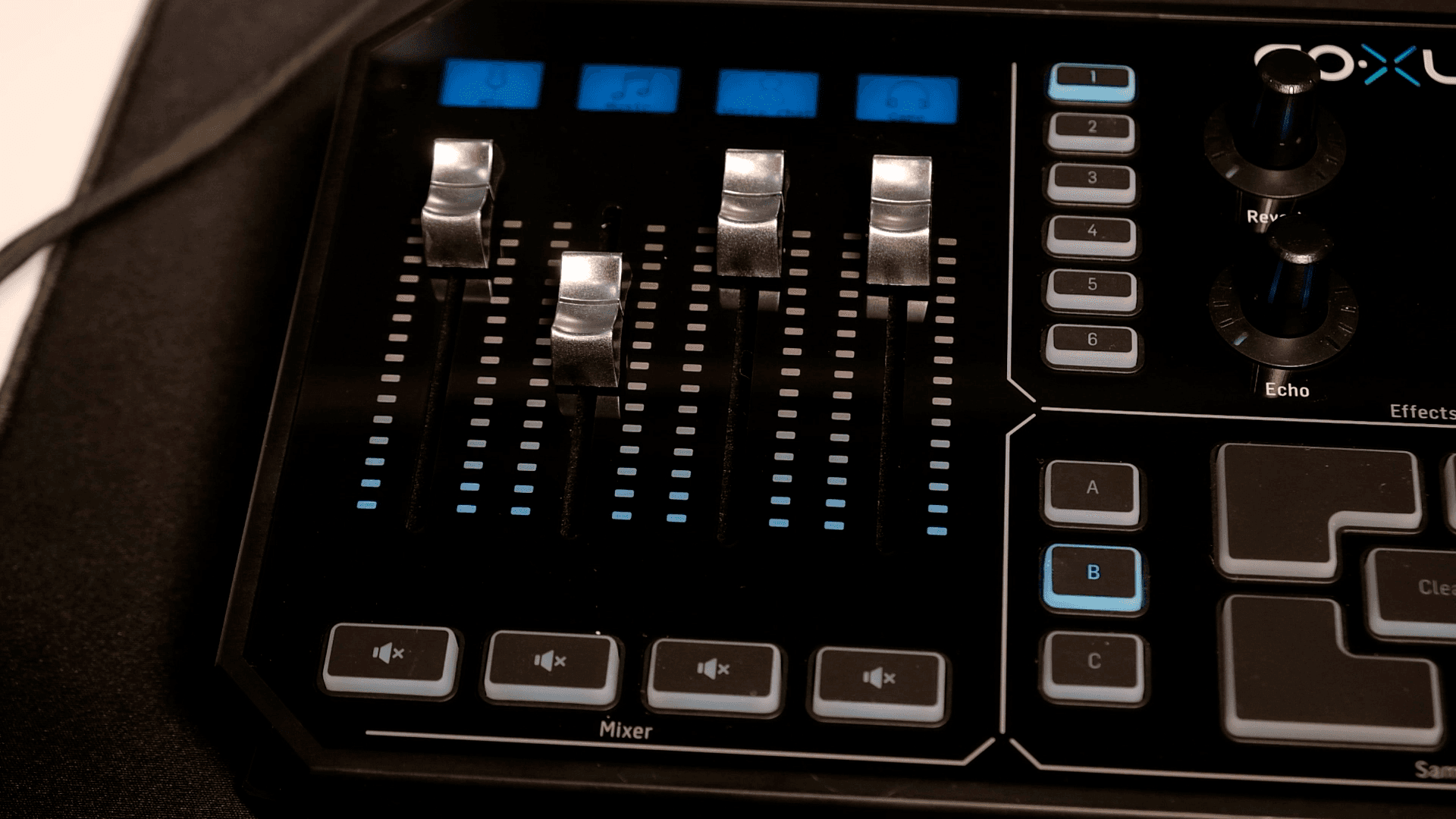
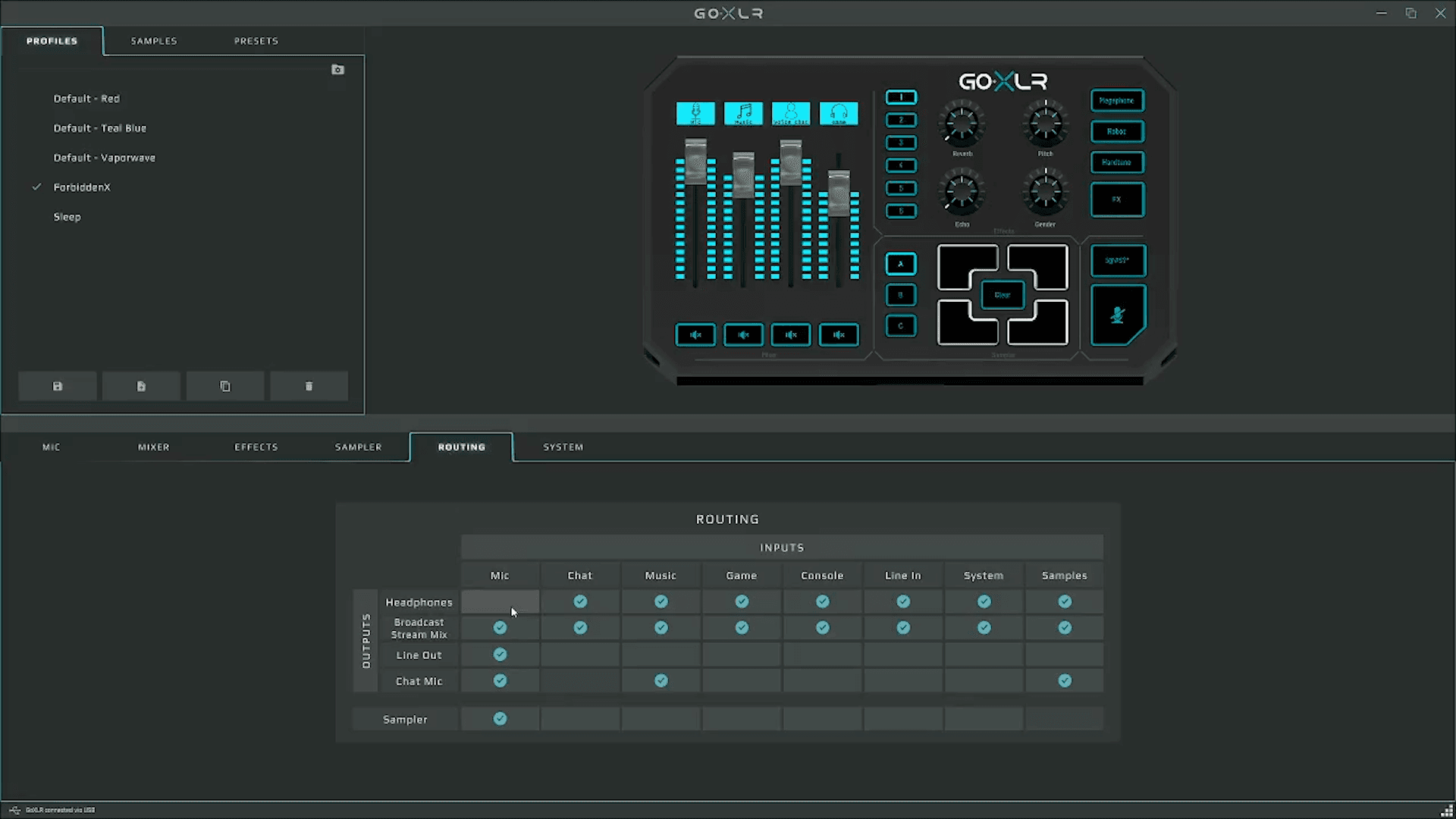
This is really cool because I can change the audio on the fly without having to deal with OBS and I can really fine tune the audio. What’s cool about this is you also have different outputs which you can control here in the routing table so for example when you have your headphones on this is what you’ll hear. This is great because what you hear is exactly what your stream will hear without any issues.
My Stream Audio Routing Setup
For me this is kind of a problem because I do prefer to have my game audio a bit louder than what my viewers hear, mostly because I do need it at a louder level so I can hear footsteps better especially in counterstrike but my viewres necessarily don’t want that so I have to handle this a little different. This method really isn’t supported by TC Helicon as they would prefer a what you hear is what your stream hears but it is possible and this is how i do it.
Effects and Sampler
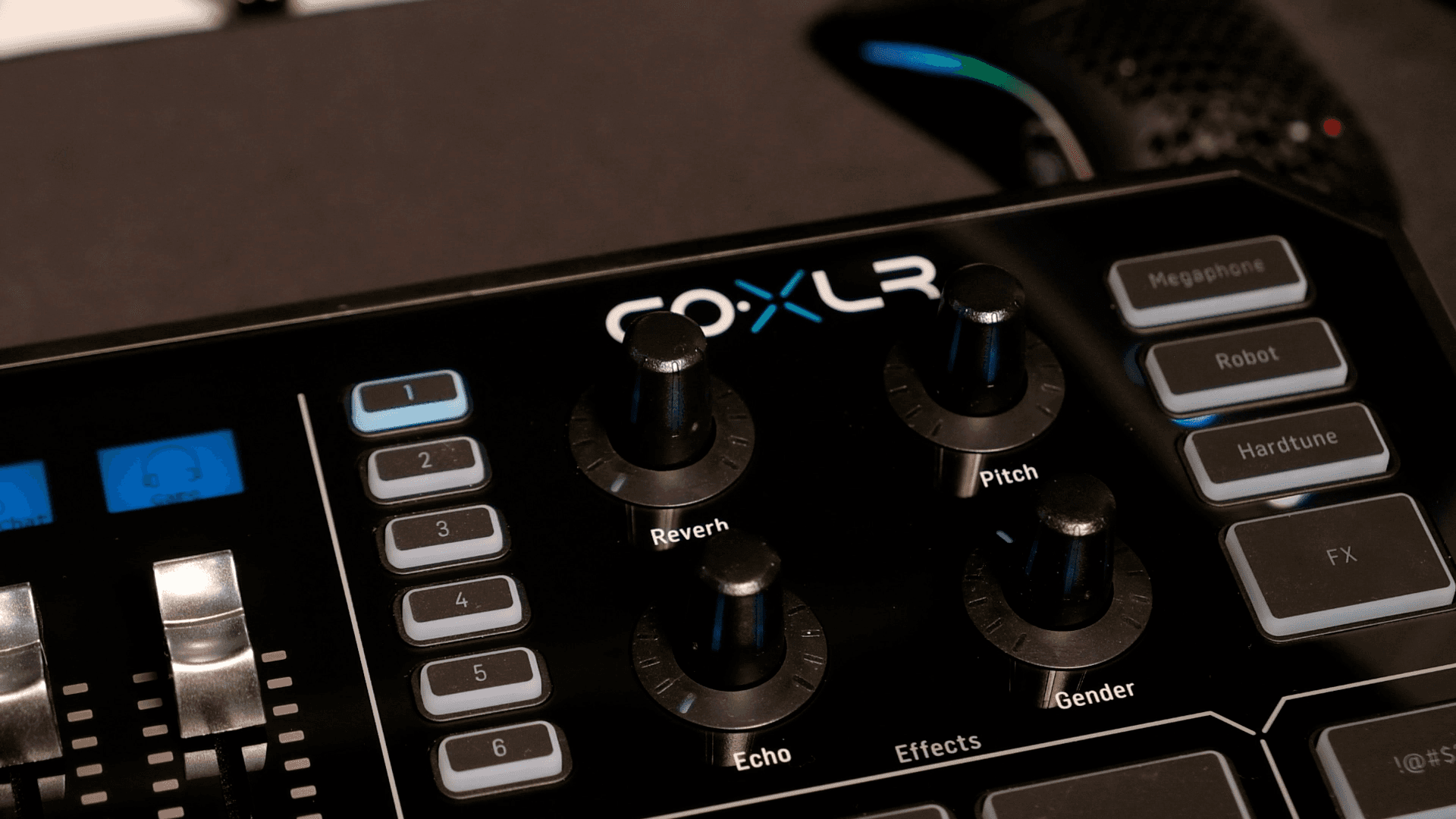
I honestly never use the effects or the sampler as that’s something I haven’t really incorporated in my streams yet. It is nice to have them available if I do ever need it. But you have 6 presets you can set and you also have some prebuilt things like the Megaphone, Robot, and Headtune. I thought mine was broken but you do need to hit FX for this to apply.
On the bottom right you have the sample pad and you can make samples right on stream or you can preload them from files so if you want to play something back using this you can with ease. Again, this isn’t something I have incorporated in my stream just yet but it is nice to have.
GoXLR vs GoXLR Mini
Saying that, I probably would have been better off with the GoXLR mini mostly because I don’t really use the effects or the sampler, but at the time of purchase the mini was not available. I could have waited 3 weeks but knowing myself, i would not be able to hold out that long anyways.
After you install the software, you can set up your microphone. You can just need to select which type of microphone you’re using, for me I’m using a dynamic microphone so I choose that, and I will talk into it until my voice generally stays in the “good” area of this.
For my EQ stuff, I got this mostly from the Alpha Gaming channel and for me it sounds great as well. These are the typical filters you would apply on your mic on OBS but the GoXLR handles this itself so you don’t need to configure it elsewhere. You can really get into the details of each of these but for myself, I’ve been rolling with these settings.
Final Thoughts
Overall, I’ve had a great experience with the goXLR and don’t have much to complain about besides wanting to hear a different volume and my stream hearing something else. Besides that, it does do a lot more than what I need and I’m very happy with this purchase.
Should You Buy the GoXLR?
If you’re starting out I would recommend NOT getting the goxlr as it’s a pretty big investment and something you really need to think about. I would recommend getting something USB powered to start off with to make things easy for you. Once you’re into it then maybe consider upgrading.