Ergotron HX Monitor Arm Review: Is It Worth It for Ultrawide Setups?
By Romel Dris·Published ·3 min read·GearTech
From the video archive
Adapted from my original video, published Jan 29, 2022. Watch original
If you’ve seen my Alienware AW3821DW review, you’ll know I touched briefly on the Ergotron HX monitor arm. In this post we'll be taking a deeper dive into how this arm holds up for an ultrawide monitor, especially for those who want to use their setup for both sim racing and productivity.
Why I Chose the Ergotron HX
I never thought that I'd spend this much on a monitor arm, but after my research around monitor arms for ultrawides, going cheap didn't seem like a good choice. I didn't want to risk damaging my expensive monitors just to save a little bit on the monitor mount. After reading countless positive reviews on the Ergotron arms, I didn't feel as bad spending to much on this arm.
Unboxing and Installation
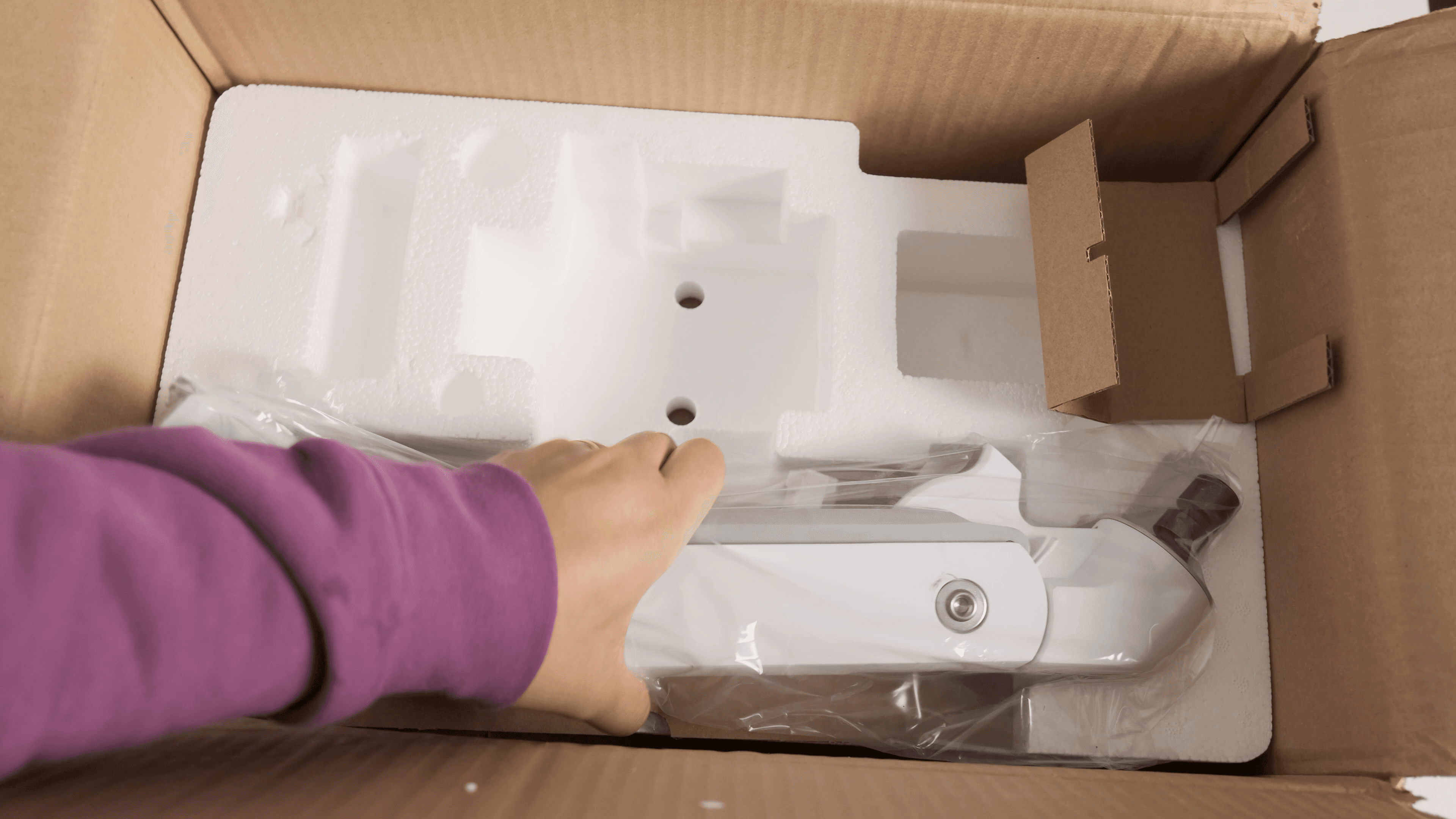

Inside the box, you get everything you need to mount the arm via grommet or clamp. I chose the clamp method since I wasn’t ready to drill a hole in my tabletop.
While the instructions recommend not mounting too close to the edge, I needed it close for my sim racing setup. To add support, I placed an extra piece of wood under the clamp, this may not be necessary depending on your desk’s thickness.
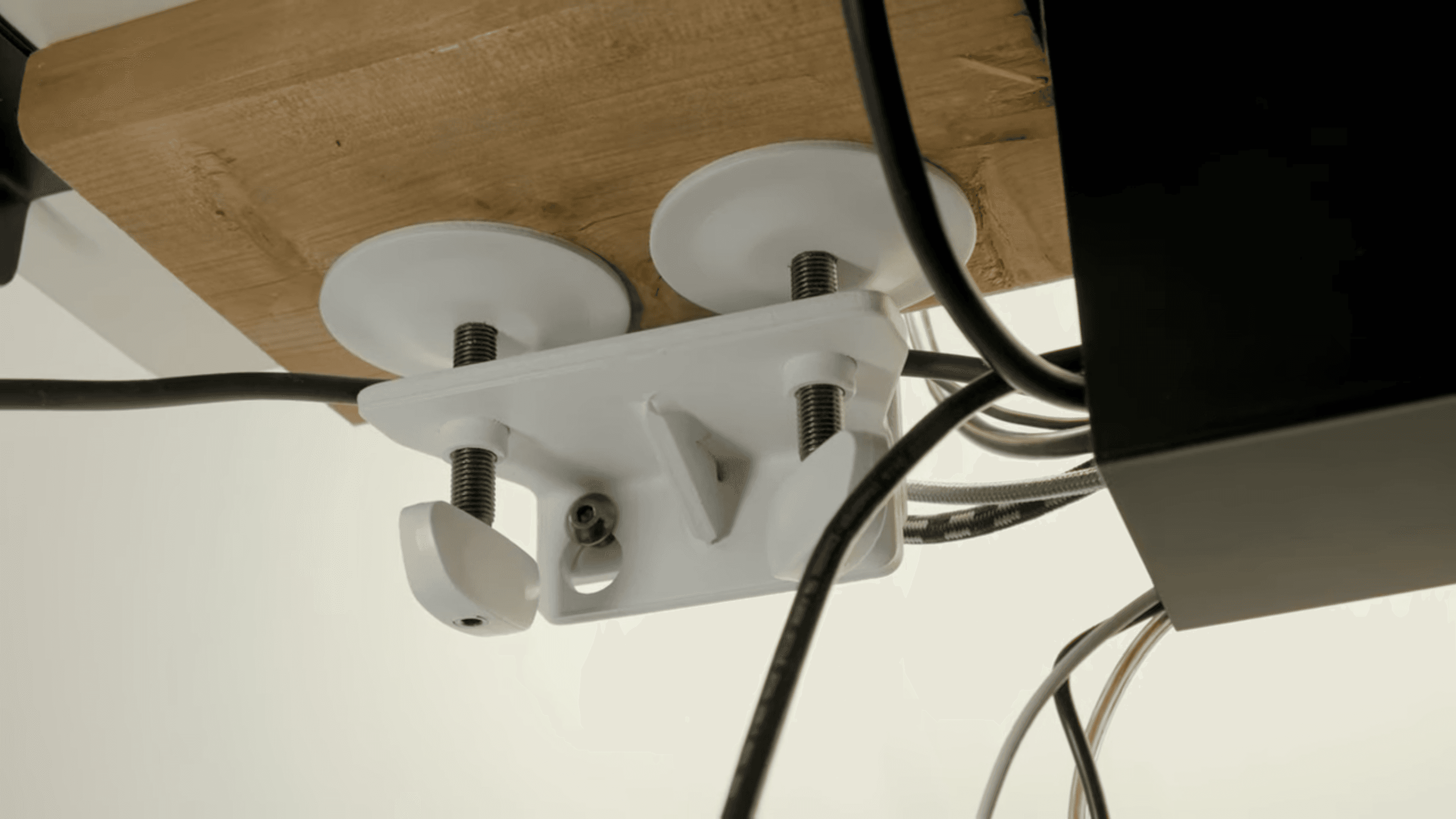

Setup was straightforward:
- Mount the base
- Insert the remaining arm pieces
- Tighten with the included Allen key
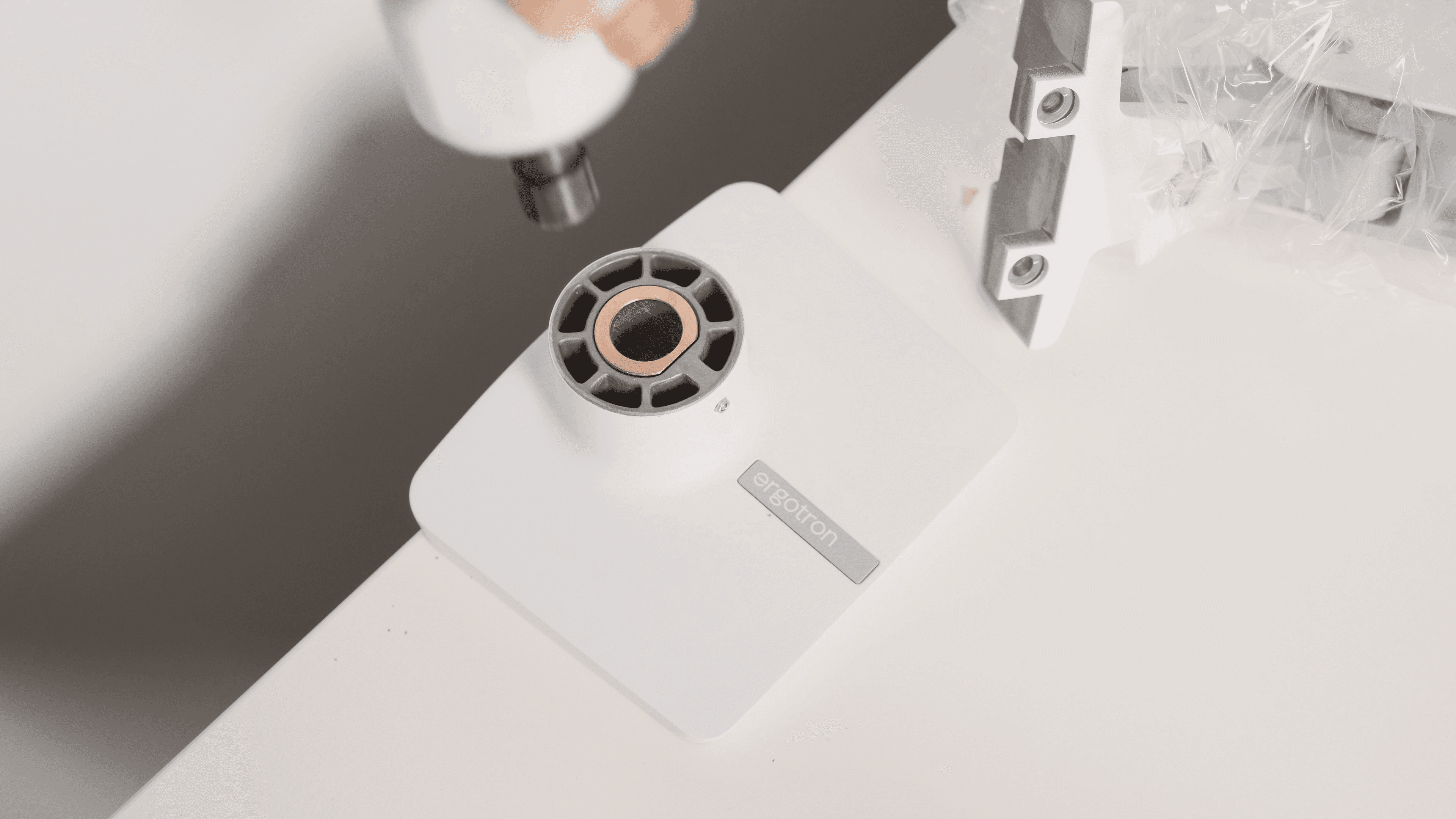

For my setup, I didn’t fully tighten the bottom screw, allowing me to rotate the arm toward my rig. It’s not the safest method, so if you don’t need this flexibility, I recommend tightening it fully.

Adjustments and Fit
The Ergotron HX uses a standard VESA mount, making it easy to attach my ultrawide monitor. Once mounted, you can adjust tension at various points. I only adjusted the rotation tension since I don’t plan to use a portrait orientation for my ultrawide.
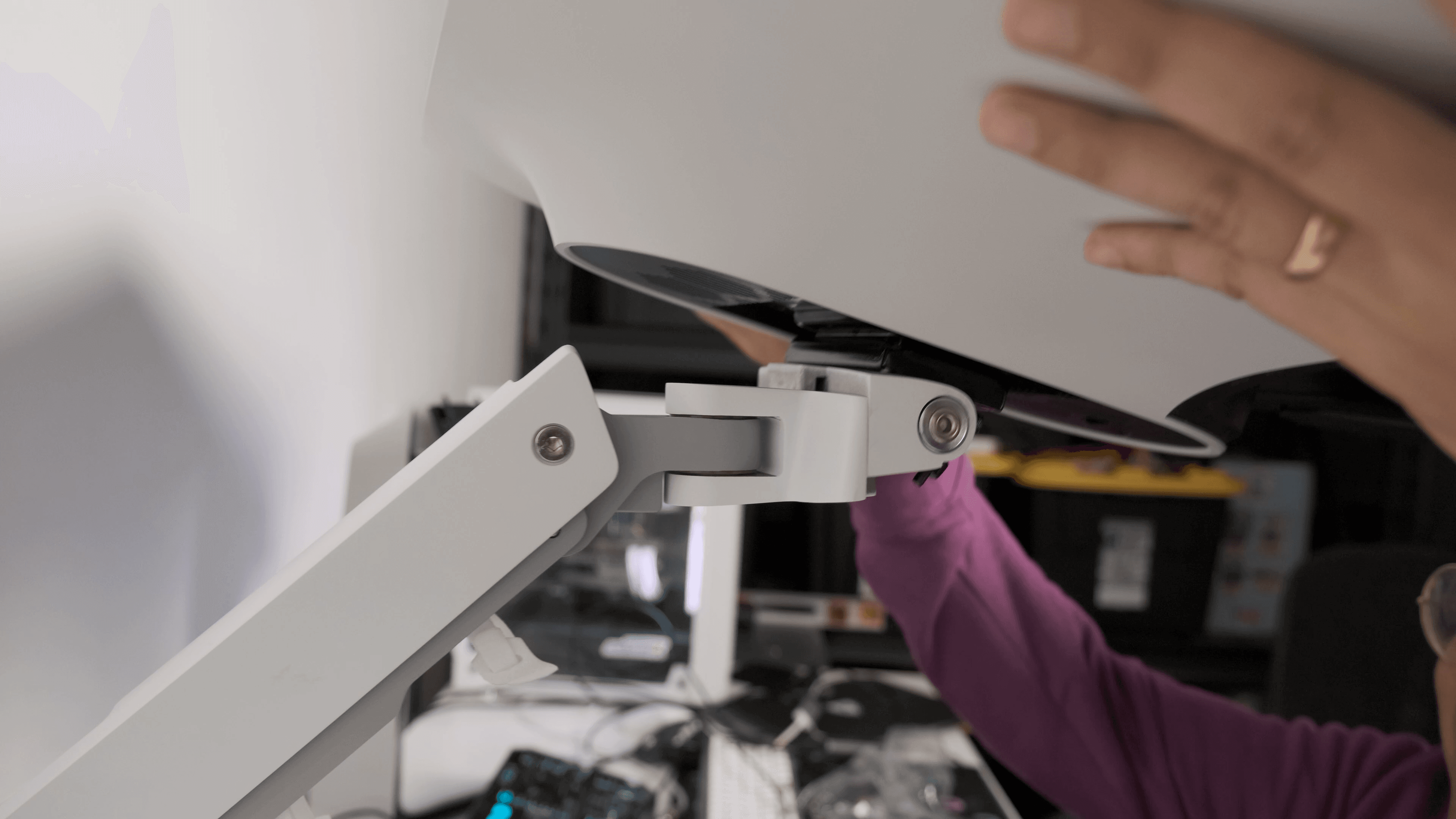

In terms of range:
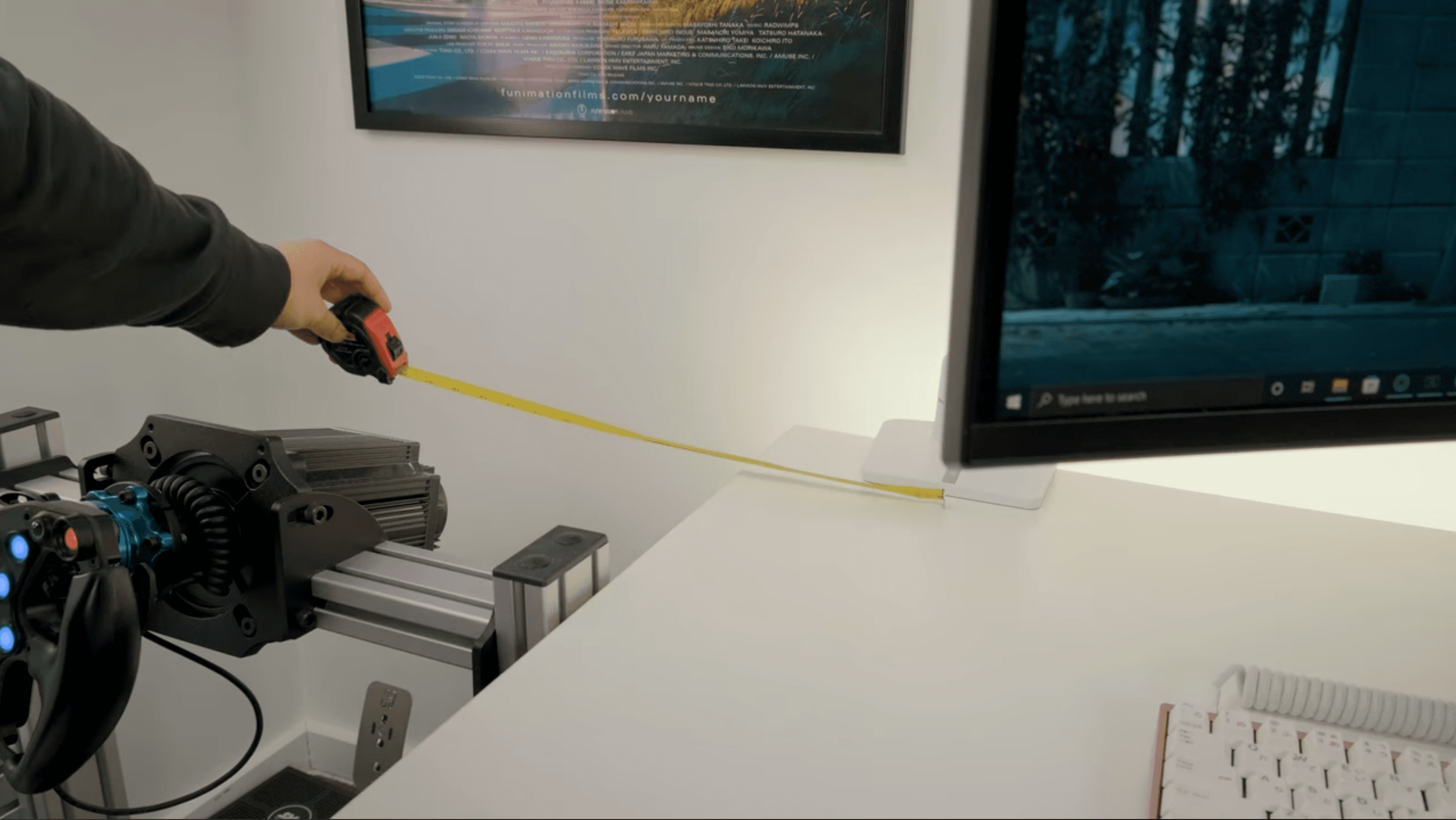
- The arm swings 18 inches left and right from the base center.
- For my setup, 18 inches is just enough, although a few extra inches would have been perfect.
To maximize reach, I angled my sim rig slightly toward my desk, allowing the arm to fully extend without issue. Alternatively, using the grommet mount closer to the edge could provide more flexibility.
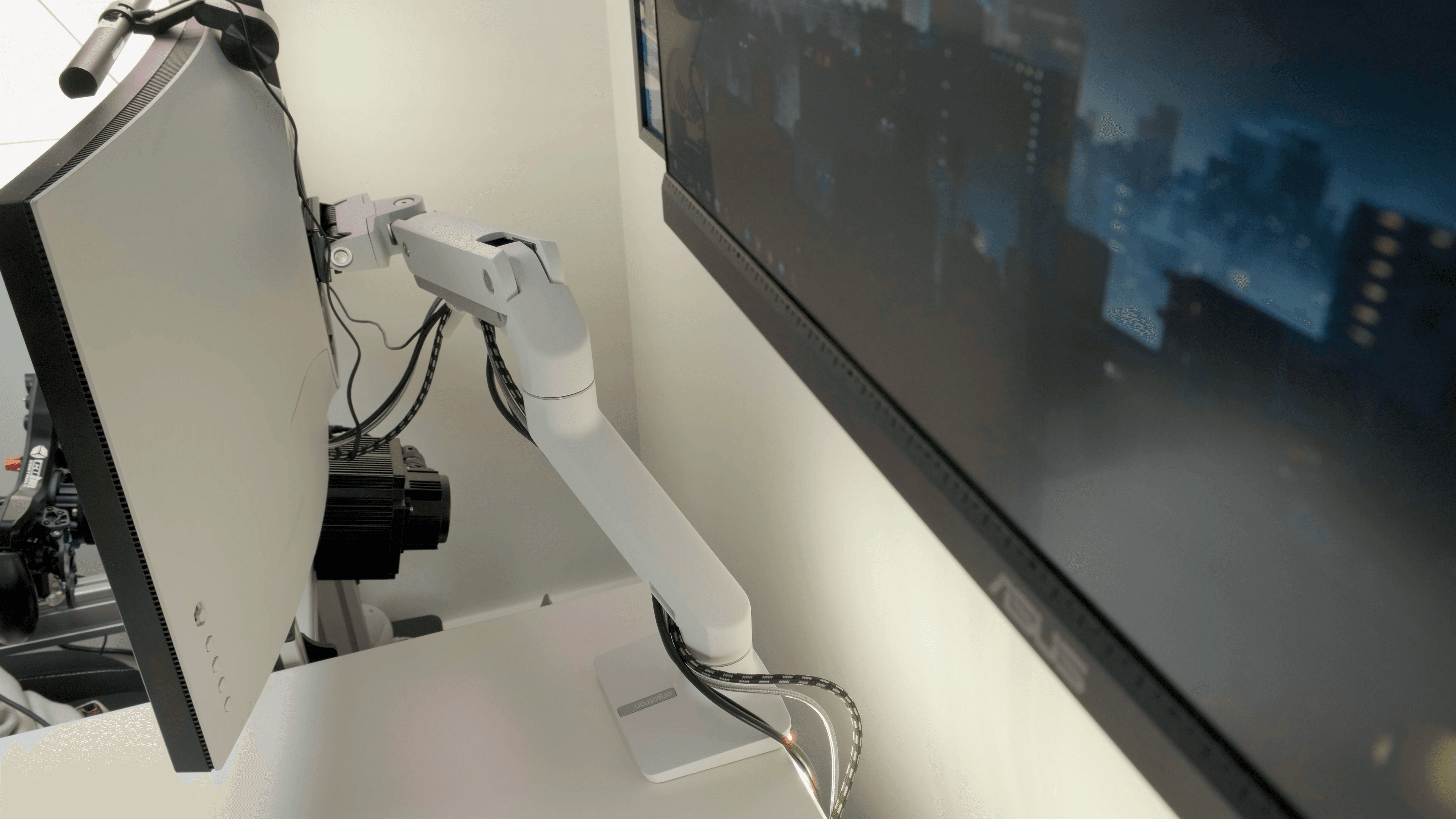


Cable Management
The arm comes with velcro straps and a cover to keep cables tidy. The only improvement I wish for is for the cables to exit from the back of the arm instead of the side for a cleaner look.
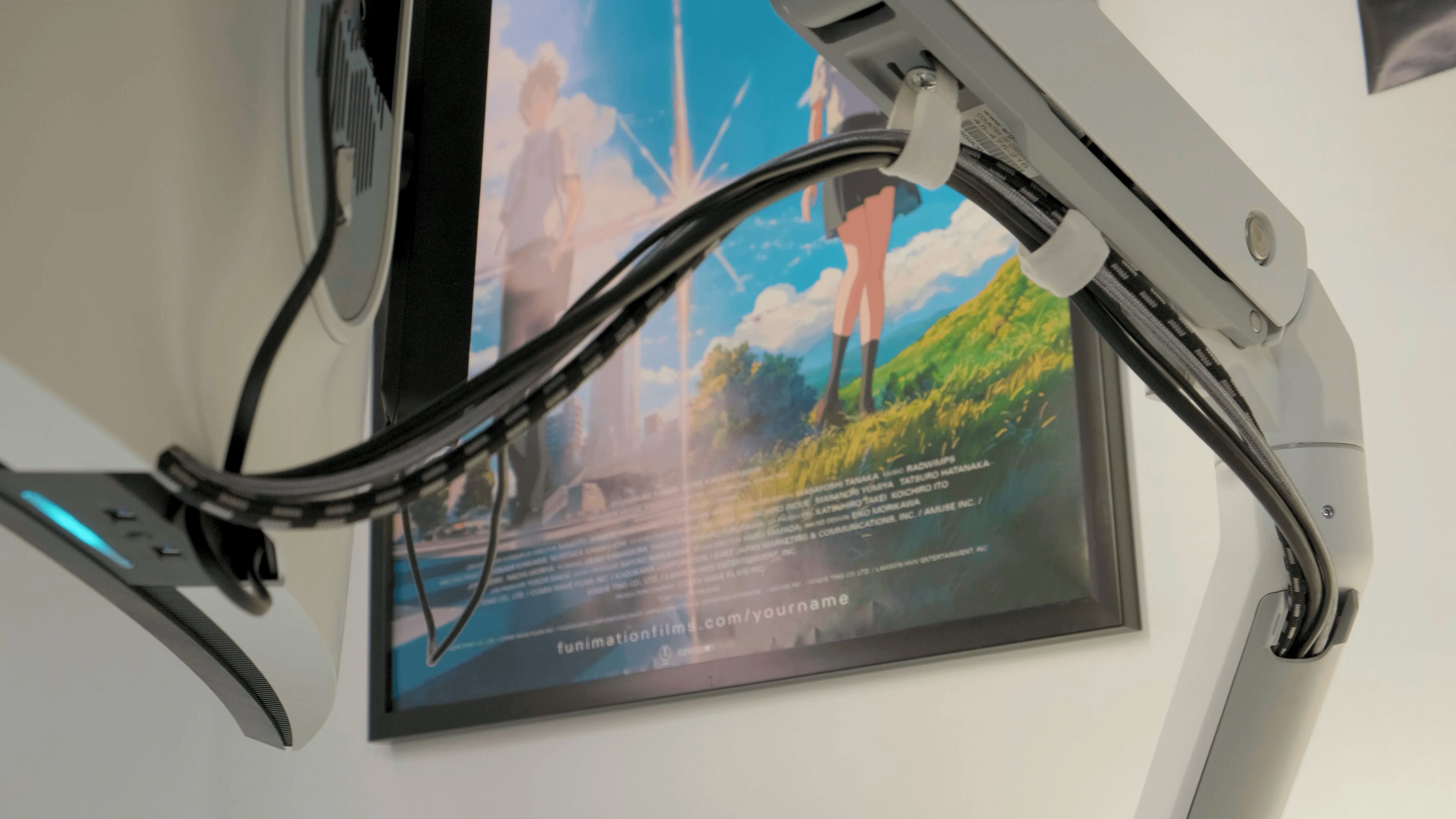

Performance and Compatibility
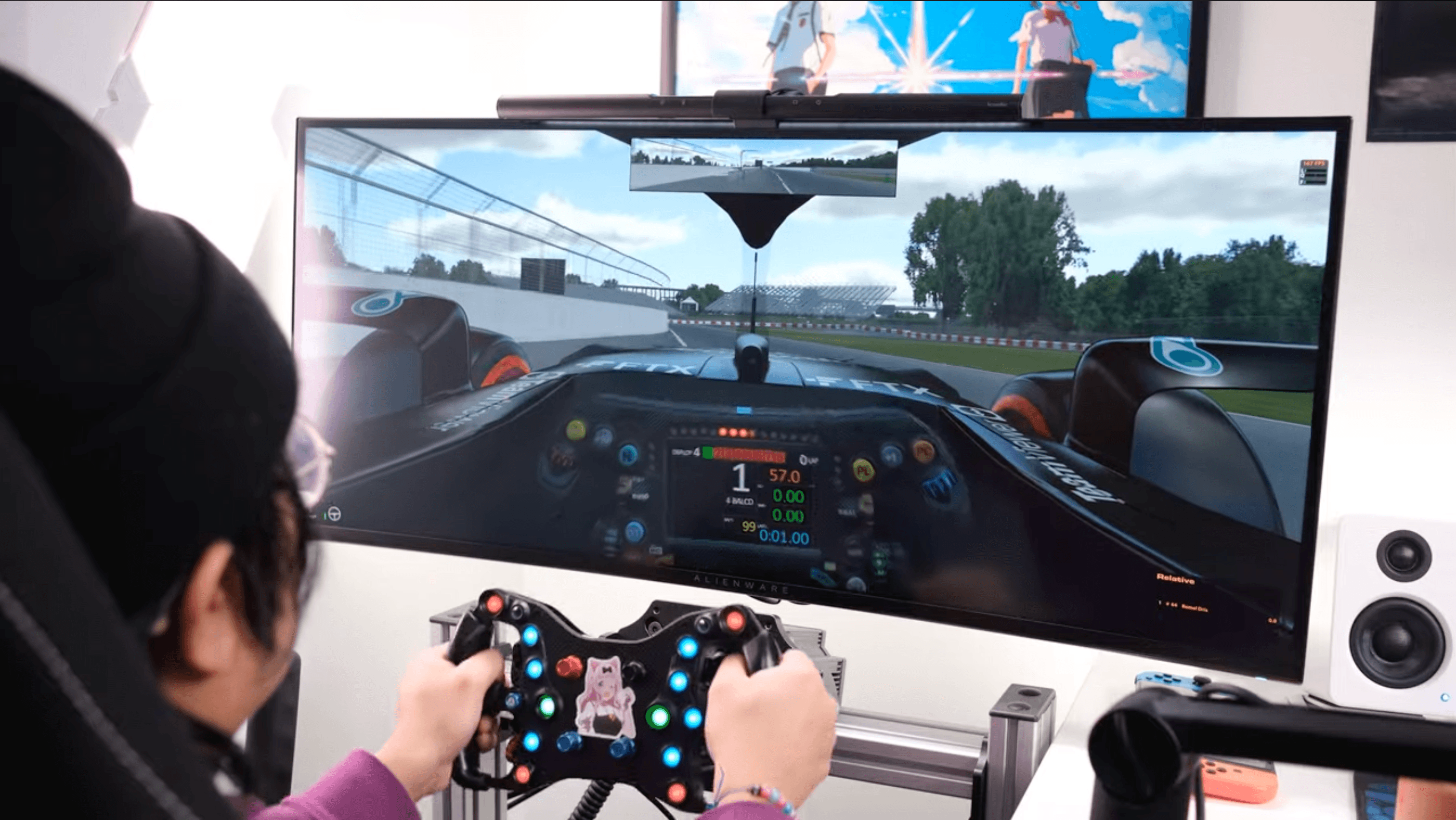
The Ergotron HX handles the weight of my Alienware AW3821DW without any sag or drift, no matter how I position it. It can also support up to a 49-inch ultrawide, including the Samsung G9 series (though you’ll need the upgraded tilt head for that).
While I rarely tilt or swivel my monitor, the arm supports full movement:
- Tilt up and down
- Pan left and right
- Rotate (if needed)
This flexibility makes it easy to adjust for different use cases, whether I’m sim racing or working.
Final Thoughts: Is the Ergotron HX Worth It?
Without this arm, my dual-use setup wouldn’t be possible. Being able to position my monitor exactly where I need it for sim racing while maintaining a clean workspace is a game-changer.
Yes, the price of the Ergotron HX is steep, but the build quality and peace of mind are worth it if you have an ultrawide monitor you plan to use heavily for both gaming and productivity.
If you’re looking for a reliable, premium monitor arm for your ultrawide, I highly recommend the Ergotron HX.
If you have any questions about my setup or the arm itself, feel free to drop reach out to me on Twitter or Discord. Thanks for reading, and I’ll catch you in the next one.