GamaKay K61 Review (and How I Modded It with Lubed Gateron Yellows)
By Romel Dris·Published ·5 min read·KeyboardsGearTutorials
From the video archive
Adapted from my original video, published Apr 17, 2021. Watch original
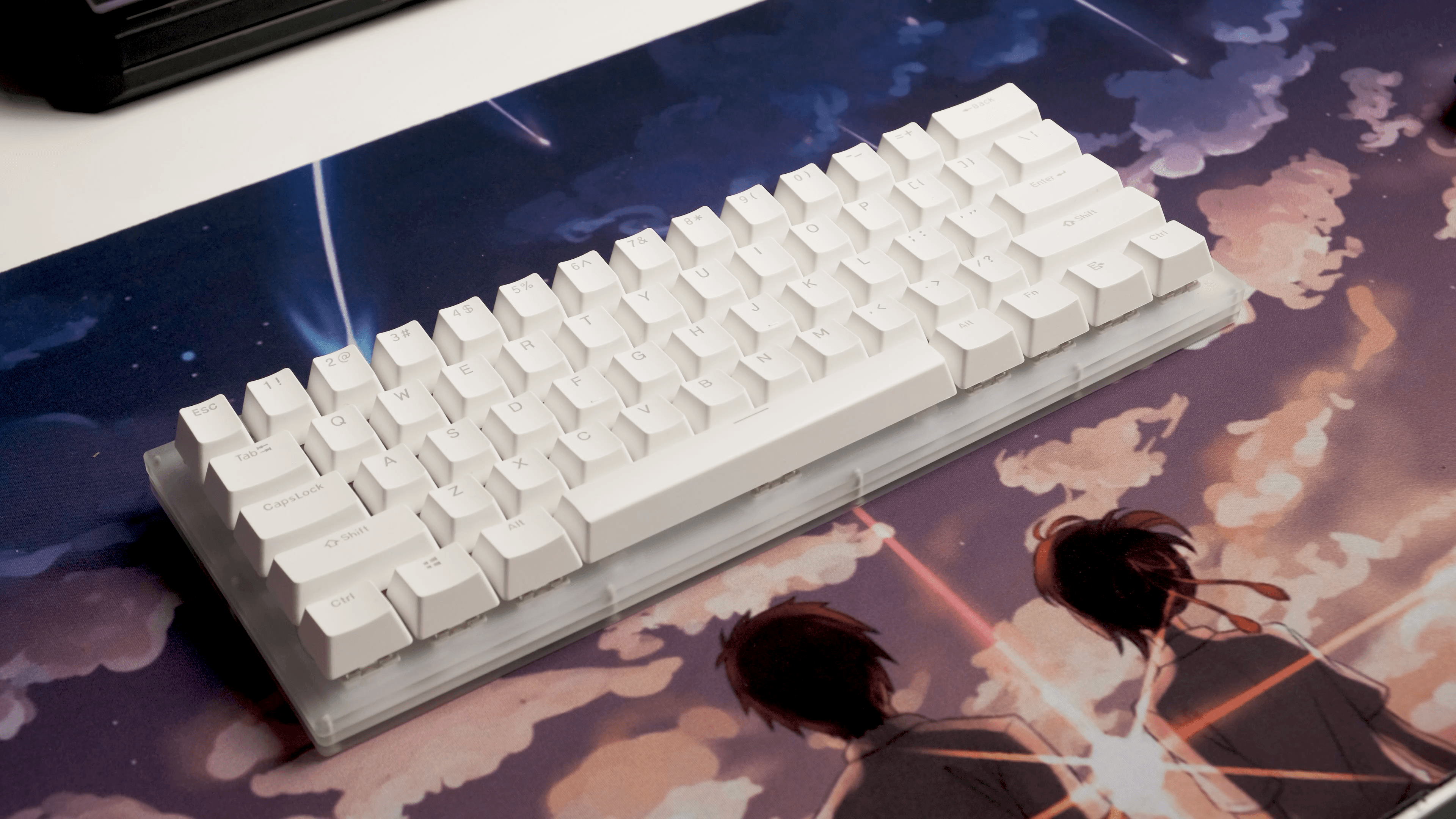
Here's a full review of the budget GamaKay K61, and then a step-by-step on how I modded it, lubing the switches and stabilizers to take it from "good for the money" to genuinely satisfying. This is one of my favorite kinds of boards to talk about, because it's cheap, hot-swap, and the perfect candidate for your first mod.

Disclosure: the K61 was sent over by Banggood, but they're not paying me for this and all my opinions are my own. A free keyboard doesn't change how I review it.
THE K61 AT A GLANCE
The GamaKay K61 is a 60% mechanical keyboard with a hot-swap PCB and an acrylic case that really lets the RGB shine through. You can pick it up from Banggood for about $63 USD / $80 CAD with your choice of Gateron switches. It's firmly on the budget-friendly side, and being hot-swap, it gives you a lot of room to grow. You can mod the switches, lube them, or swap to something completely different down the line.

UNBOXING & DESIGN
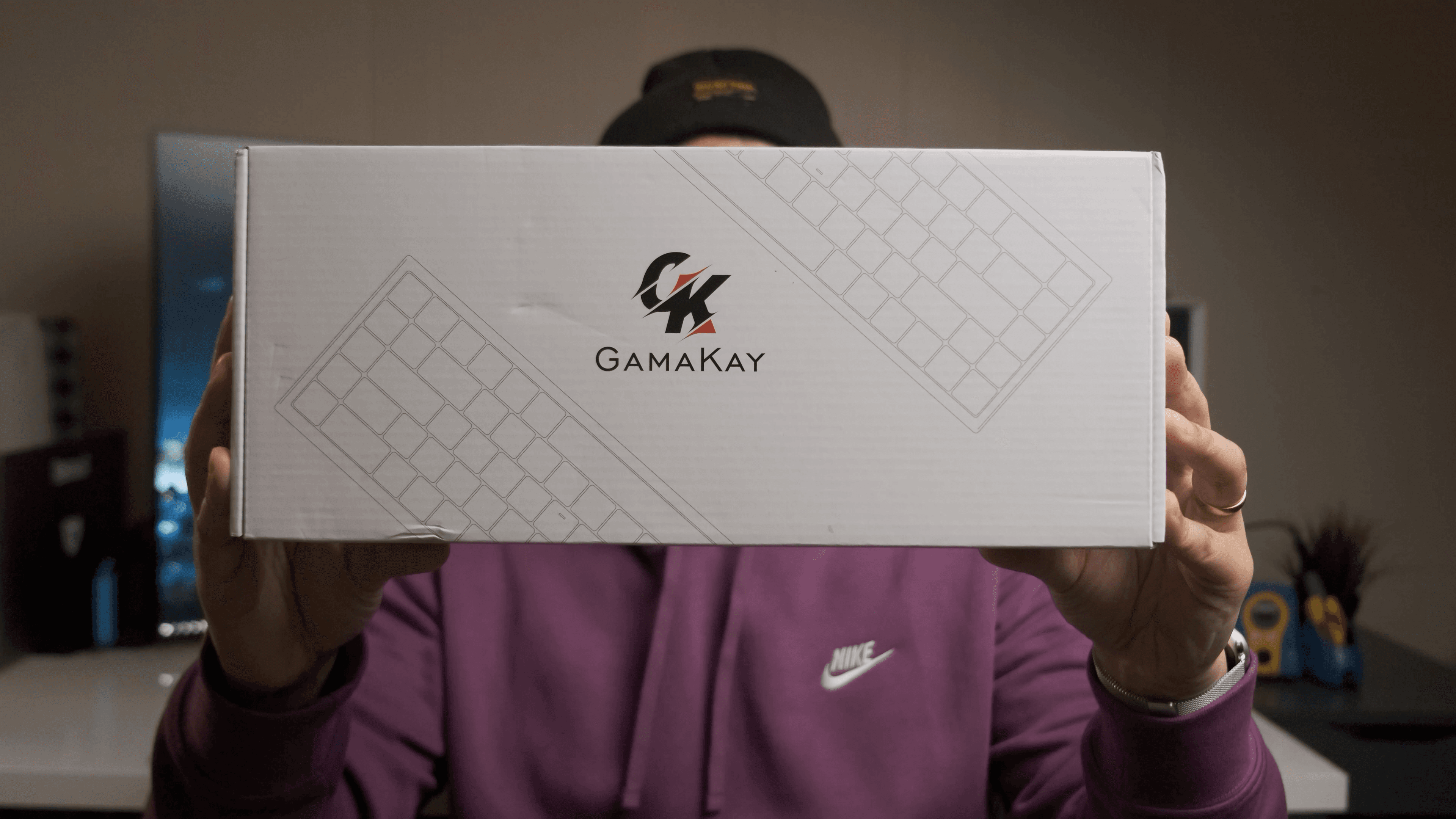
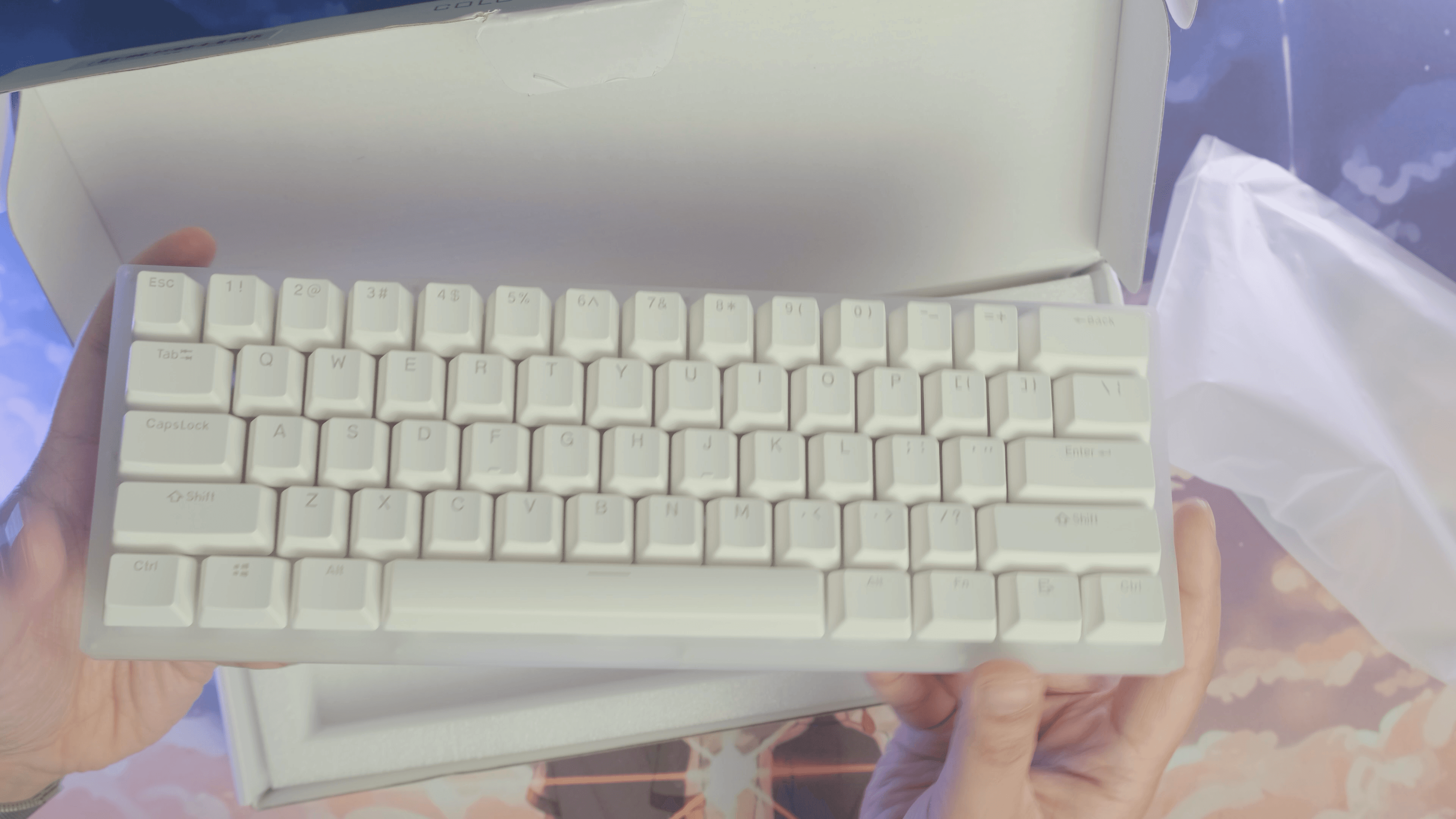
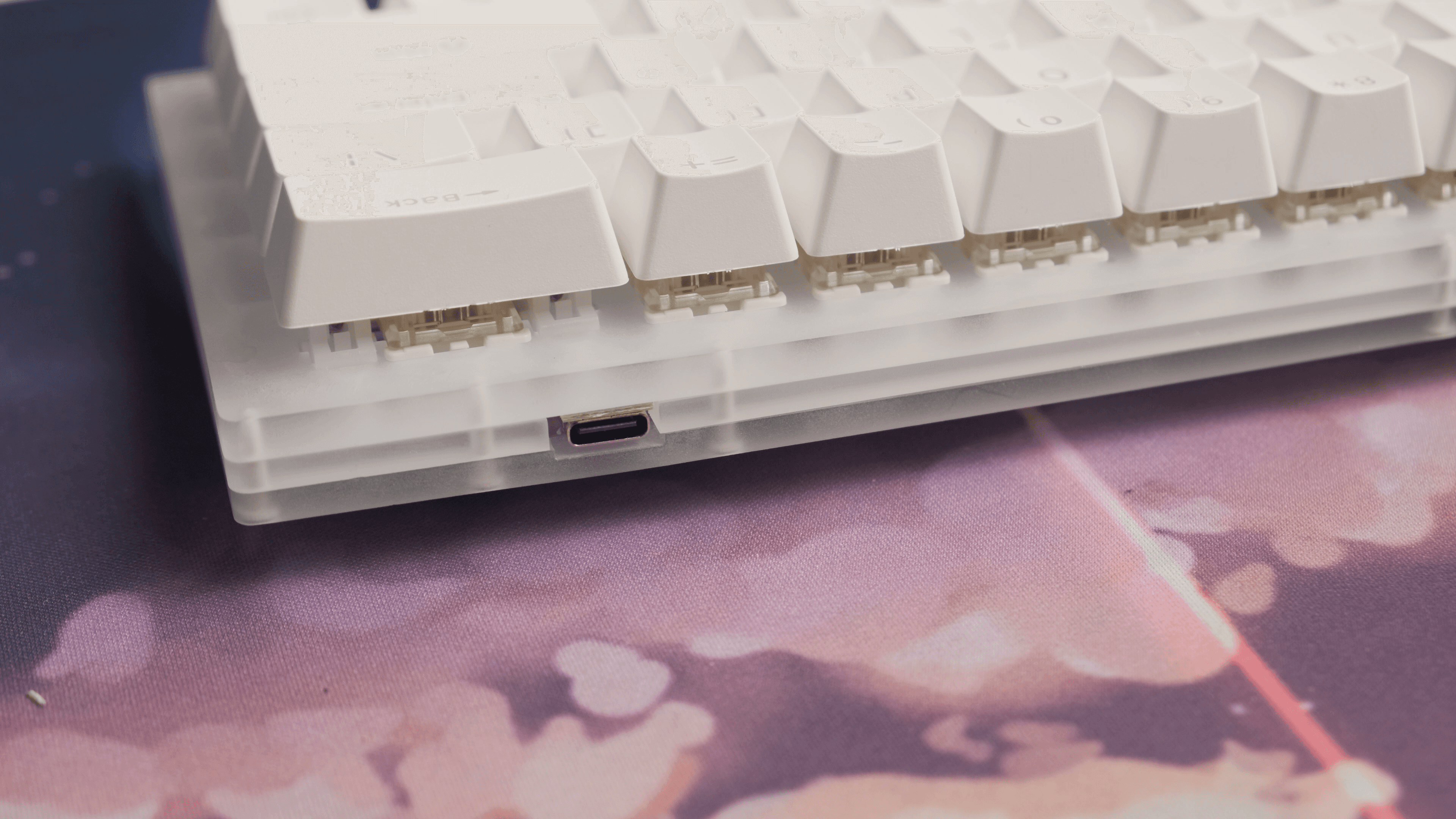
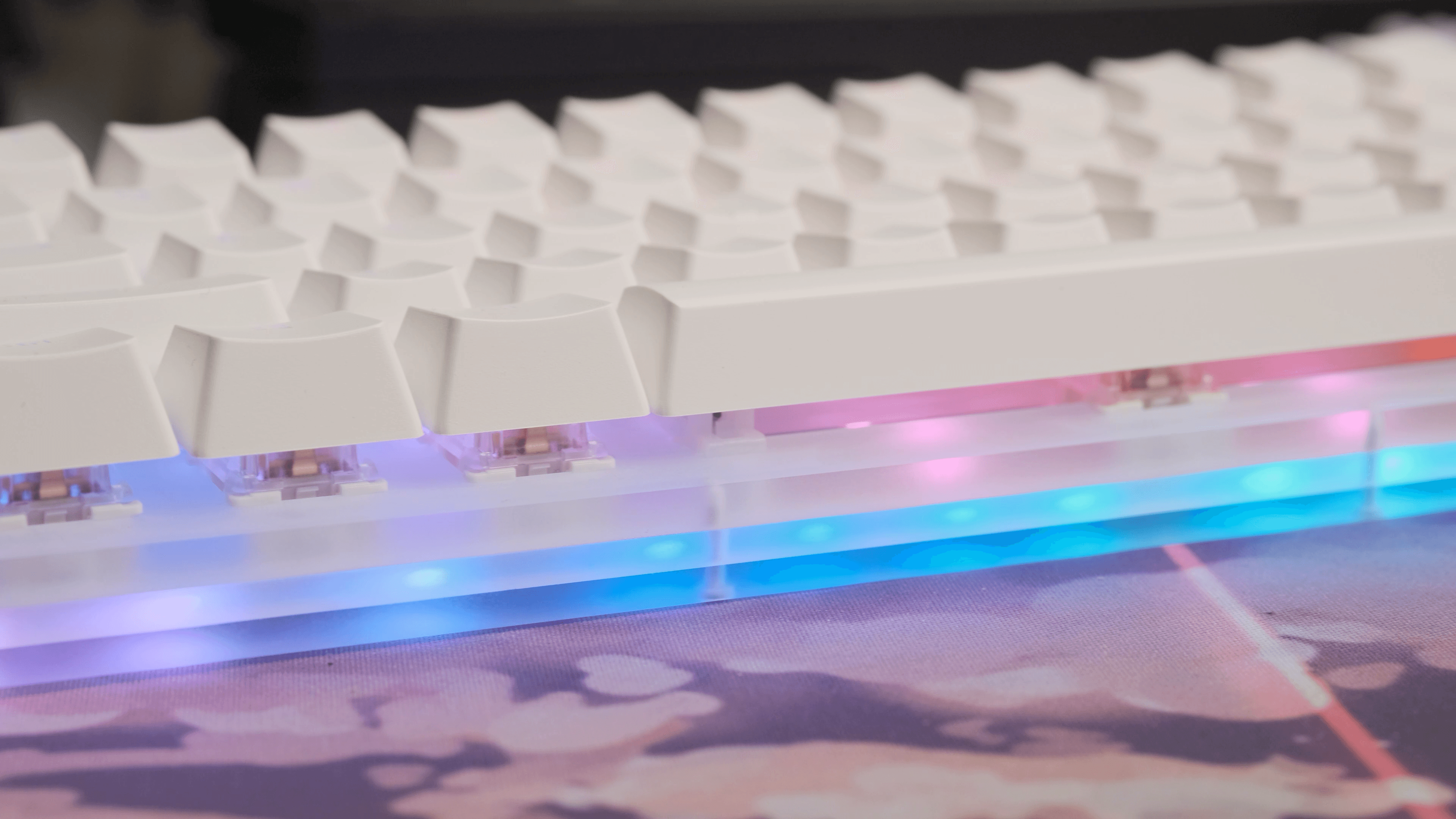
In the box you get the keyboard, a white USB-C cable, a keycap puller, a switch puller, and a small cleaning brush. The acrylic case comes in three pieces held together by screws from the bottom, with the USB-C port on the right-hand side and angled feet underneath, the top pair bigger than the bottom.


Where this board shows off is the RGB. There are LEDs under every key and LEDs on the bottom of the PCB for underglow. If you want a keyboard that's dripping in RGB, this might be the one. You cycle the modes with Fn + Spacebar, and there's software on the Banggood site for changing colors.

LAYOUT, AND THE BIGGEST DRAWBACK
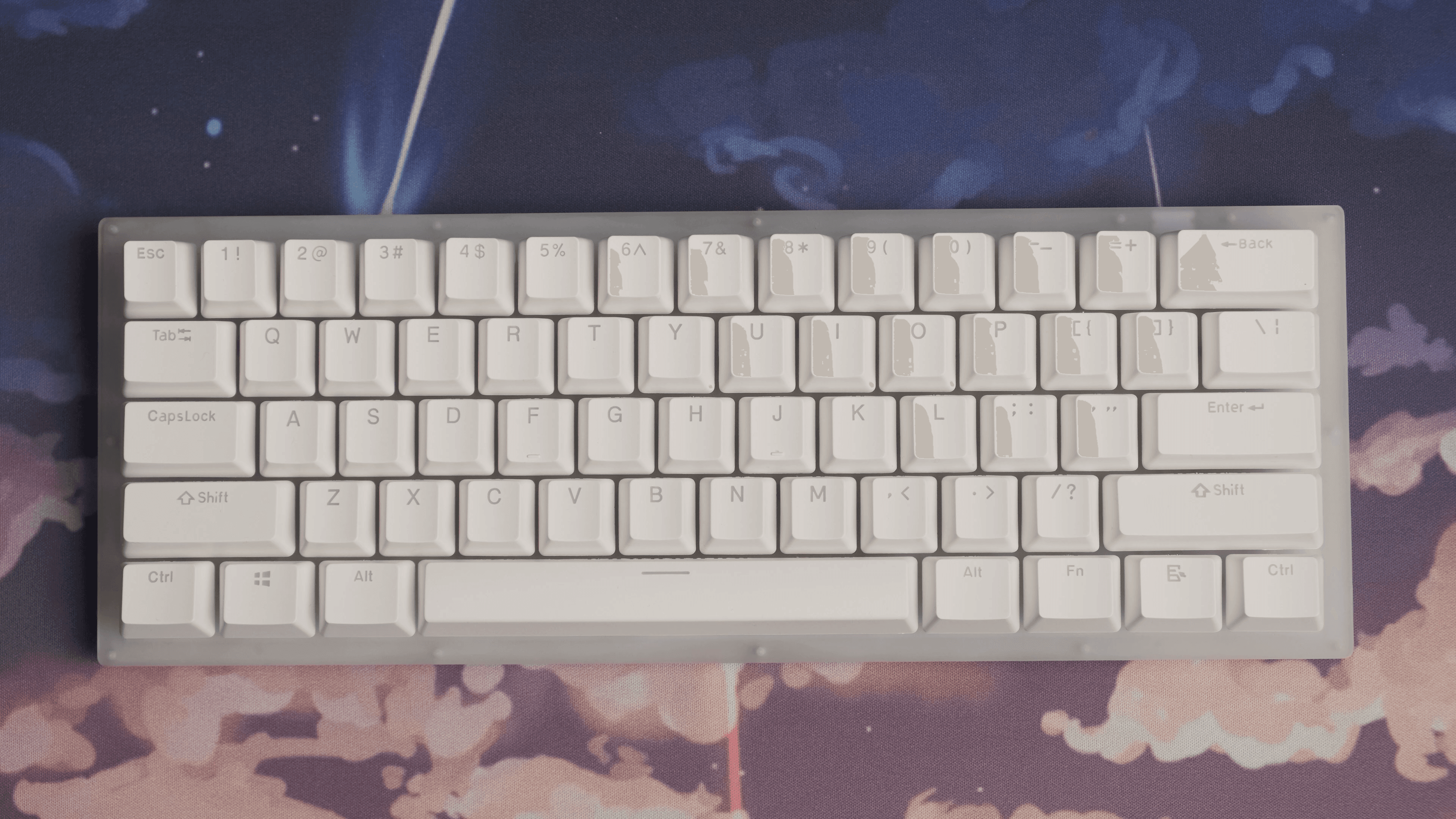
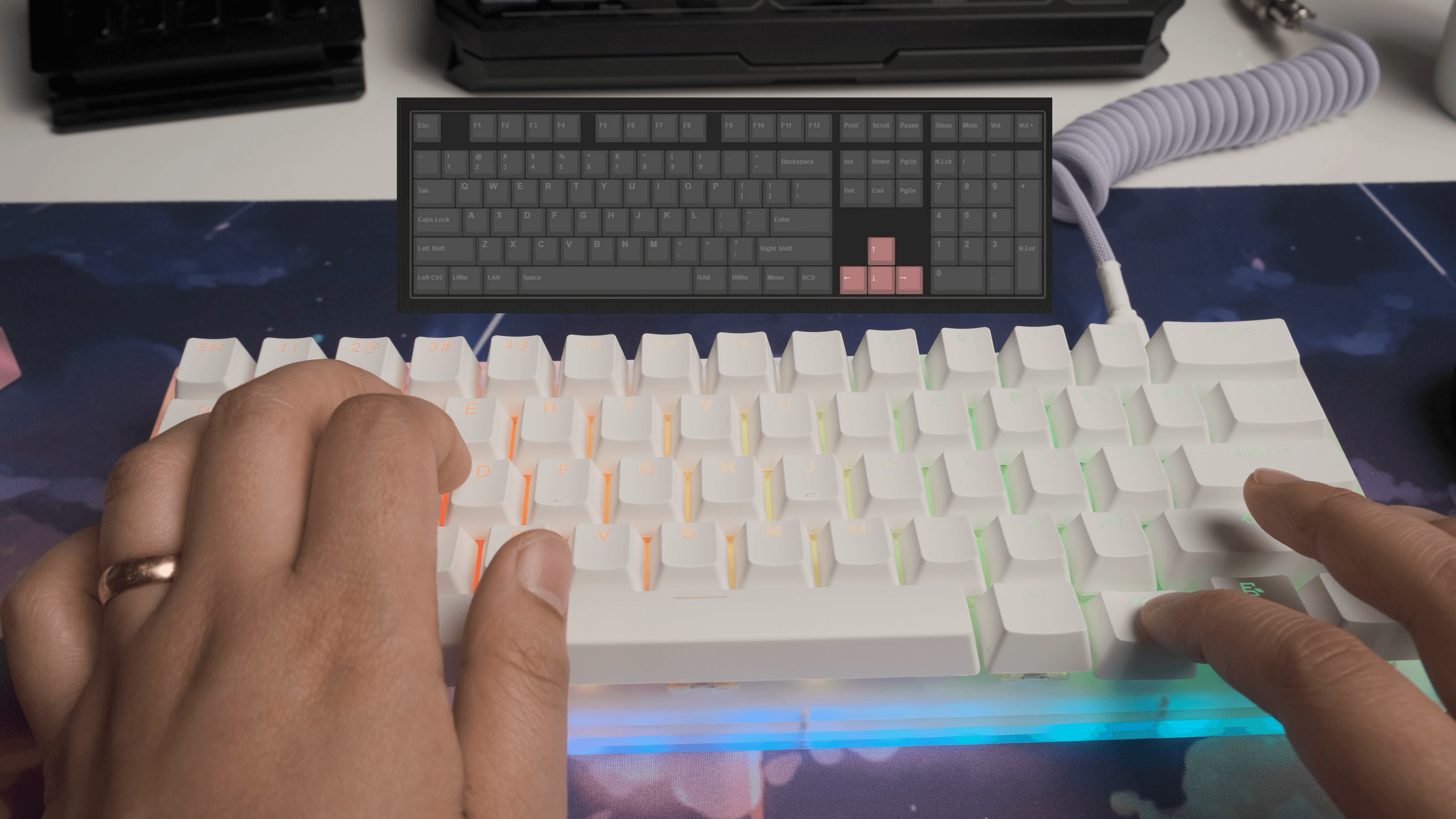
It's a standard 60% layout, so you lose the function row, nav cluster, and numpad, and you get them back through a function layer. For example, Fn + WASD acts as the arrow keys. Here's my one real complaint: you can't remap or change the function layer. There's no QMK/VIA support, and the software only handles RGB and macros. I lean on the function layer a lot, and on a 60% you're basically forced to, so not being able to customize it is a genuine limitation. If you need a customizable function layer, the K61 might not be for you.

KEYCAPS & SWITCHES
The keycaps are double-shot ABS, they feel nice to type on, and the font lets the RGB glow through the legends. For switches you can choose Gateron Black, Blue, Brown, Red, or Yellow. I went with the Gateron Yellows, a linear switch with a 50g actuation force, 62g bottom-out, and 4mm of travel, sitting right between Reds and Blacks. After getting a taste of them on a friend's XD87, I really like how they feel here. Out of the box they sound a touch higher-pitched than I'm used to, and the pre-lubed stabilizers have a bit of rattle and some ping on bottom-out, most noticeable on the spacebar. Which is exactly why I made the mod video.

HOW I MODDED THE K61
Hot-swap makes this easy, and the goal is simple: lube the switches and stabilizers to kill the scratchiness, rattle, and ping. Here's the process.

What I used:
- Krytox 205g0 on the switch housings and stems
- Krytox 105 to bag-lube the springs
- Lube for the stabilizer housings and wires
The steps:
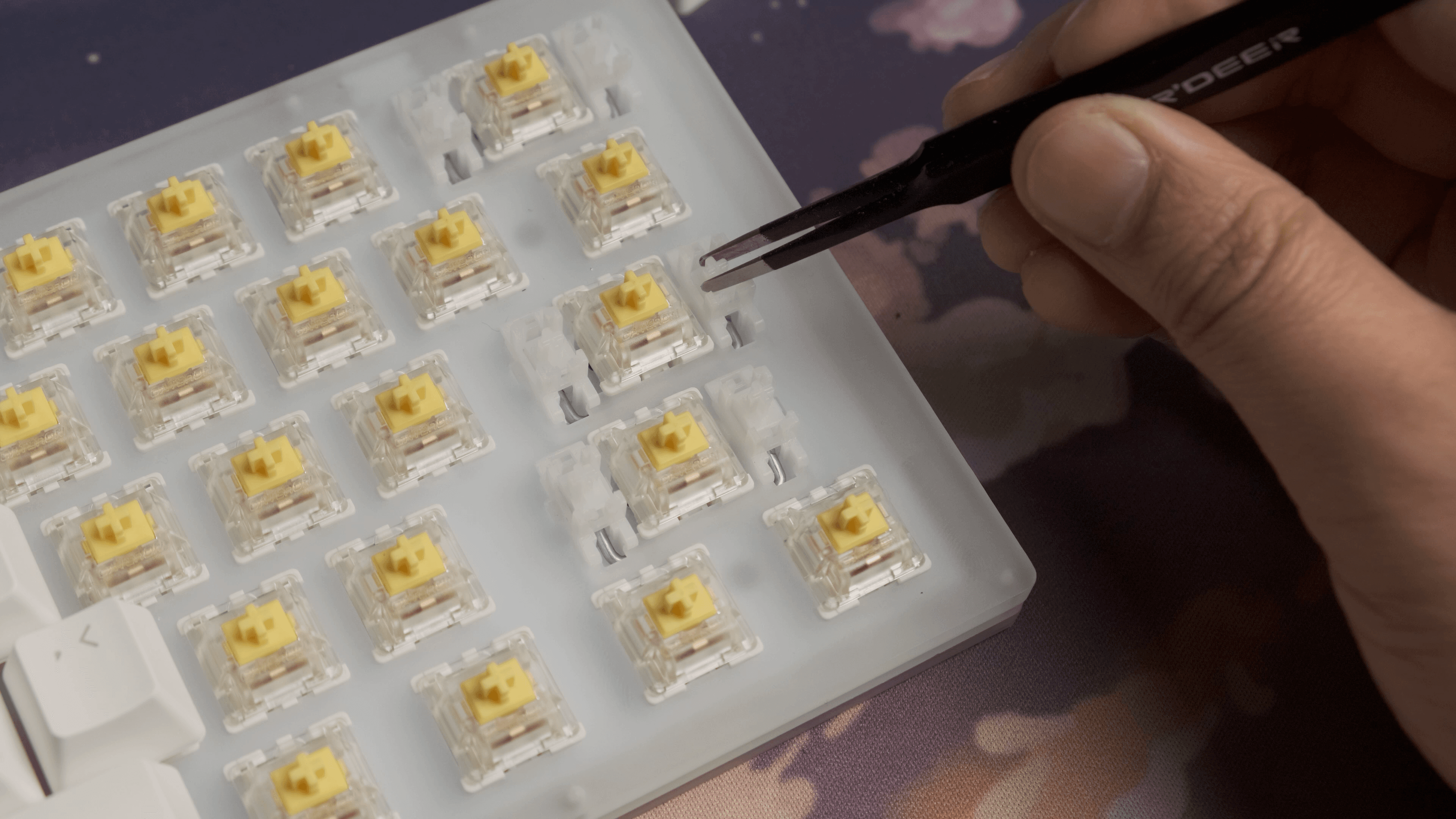
- Strip the board. Pull the keycaps, pull the switches, which is easy on a hot-swap PCB, and remove the stabilizers.
- Sort out the stabilizers first. Disassemble them, clean off any factory lube, and clip any feet that stick out. Then lube the stabilizer housings and the wires, and repeat for all of them. Reassemble and test, listening for wobble and rattle before you commit.
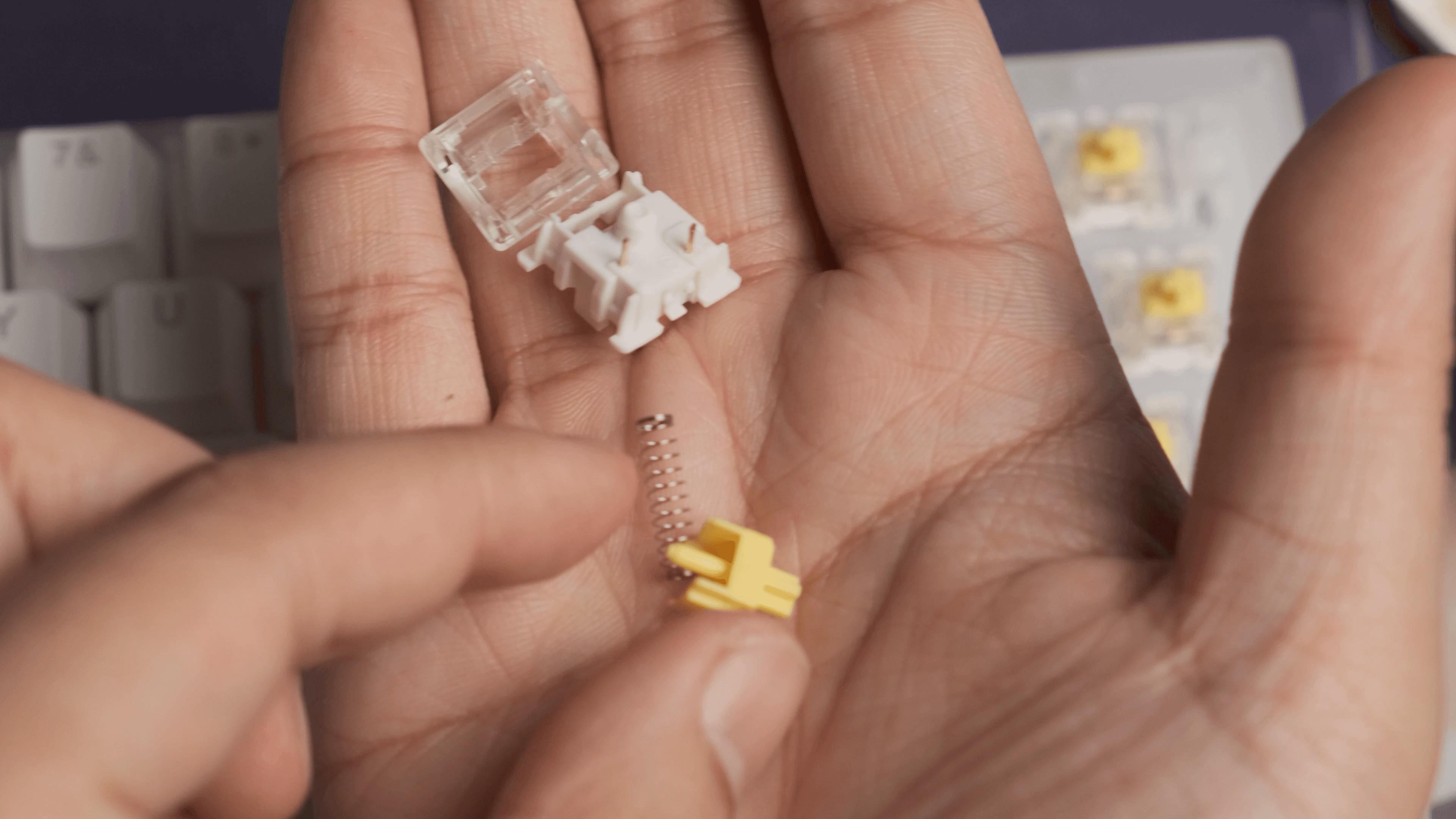
- Open the switches. Pop them open and separate the pieces into containers, or a lube station: bottom housings, stems, top housings, and springs.
- Bag-lube the springs. Drop the springs into a bag with a little Krytox 105, then shake until they're coated. Pro tip from the video: turn on some anime and settle in, you're doing this 60-plus times.
- Lube each switch. Brush 205g0 onto the bottom housing rails, take a lubed spring, set the stem on it, do the stem, then the top housing, and close it back up. Repeat for all 60-odd switches.
- Reassemble. Drop the switches back into the hot-swap PCB, pop the keycaps on, and you're done.

STOCK vs MODDED
The difference is night and day. Lubing smooths out the Gateron Yellows, deepens the sound, and quiets the stabilizers and the spacebar ping that bugged me out of the box. The mod video has a side-by-side of stock vs modded for both the switches and the stabs so you can hear it for yourself.
FINAL THOUGHTS
If you're after a 60% mechanical keyboard that won't break the bank, the GamaKay K61 is a really good option, especially because it's hot-swap, and if you love RGB, the acrylic case shows it off beautifully. The one thing holding it back is the locked function layer. But the beauty of a hot-swap budget board is that an afternoon of lubing transforms it, and the K61 takes the mod really well.
Got questions about the K61 or want help getting started with lubing? Drop them in the comments or join the Discord.