Goodbye Triple Monitor: The Ergotron LX and Why I Went Dual
By Romel Dris·Published ·5 min read·Monitors & DeskGearTech
From the video archive
Adapted from my original video, published Apr 16, 2022. Watch original
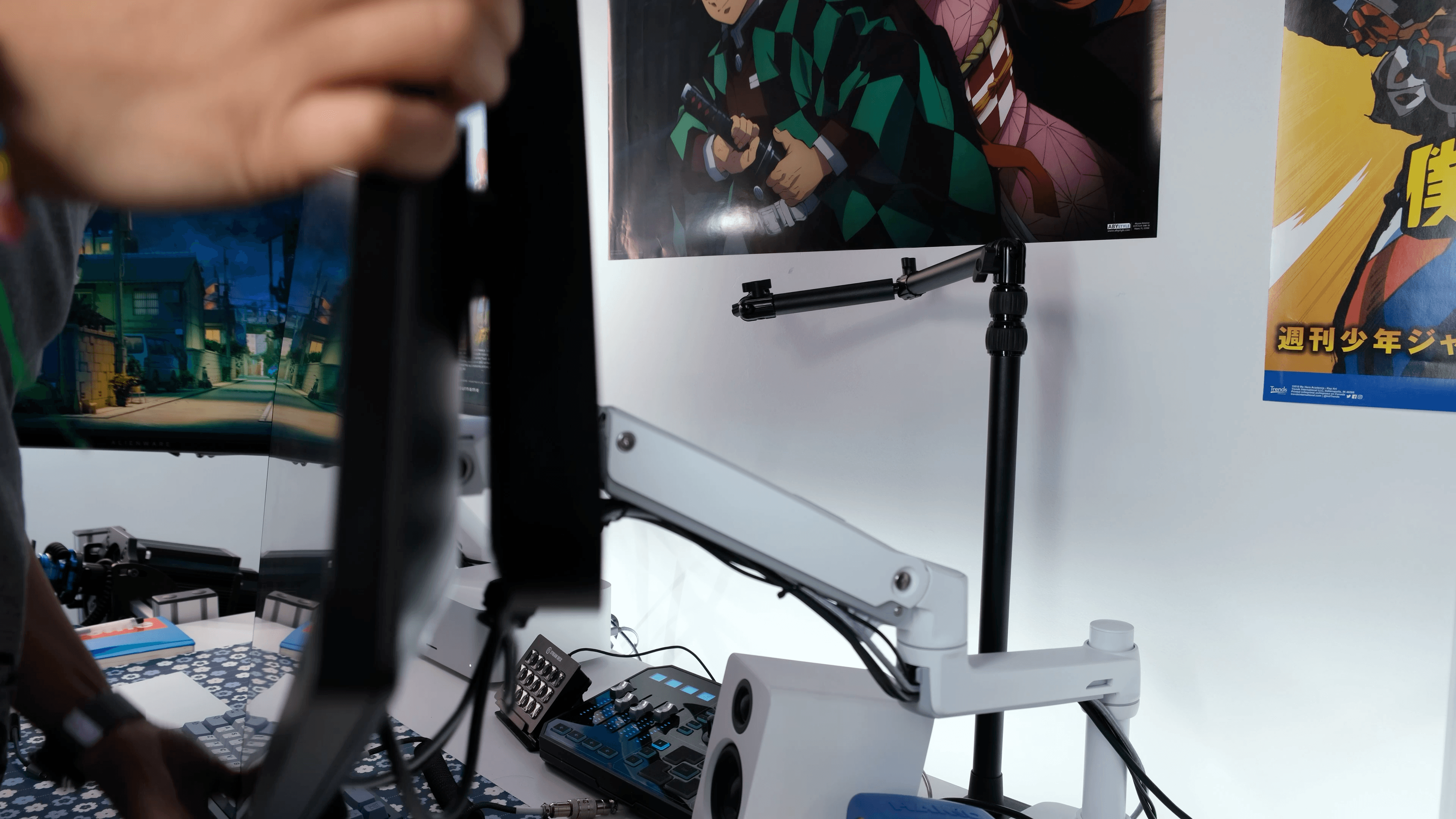
I'm making a pretty big change to my setup: I'm going from a triple-monitor setup down to a dual-monitor one. I realized I wasn't making the most of that top monitor, and taking it down frees up space behind my desk, so I can reposition my ultrawide exactly how I want and make the whole setup look a little less busy. Since I no longer need a dual-monitor arm for that top screen, I took the opportunity to try out the Ergotron LX single monitor arm. Here's the unboxing, the setup, and my initial impressions.

PRICING
The Ergotron LX retails for about $250 CAD, which is definitely on the pricier side for a single monitor arm. There are plenty of cheaper options on Amazon. The question is whether it's worth it, so let's get into it.
UNBOXING
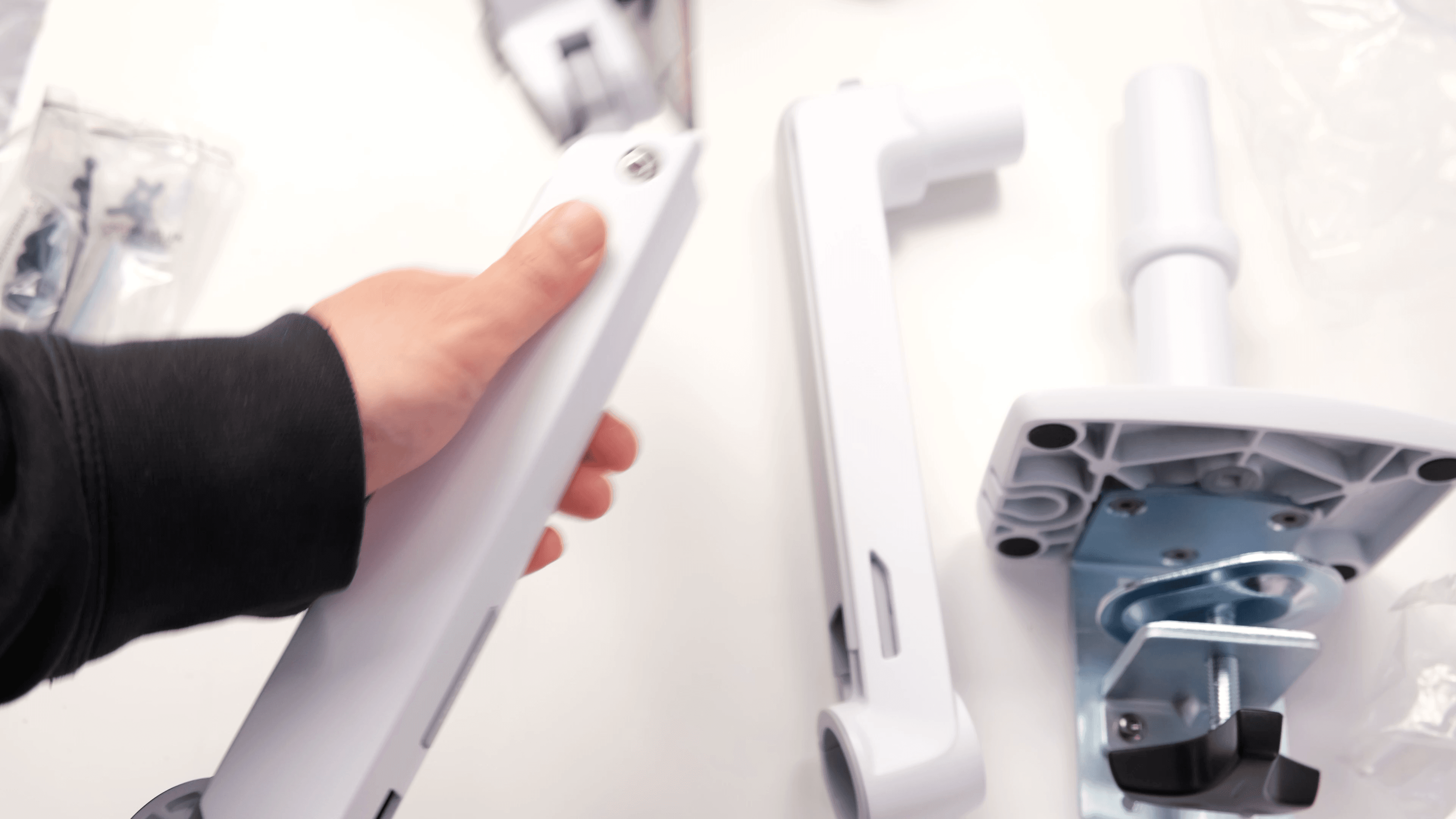
Like the Ergotron HX, the LX comes in three parts: the base, the middle section, and the top section, along with some hardware and Allen keys, though not as much as the HX. A couple of differences worth noting: the LX only gives you the desk-clamp option, while the HX can also mount via a grommet, and the actual mount is attached to the top section rather than being a separate part.

SETUP
The most painful part was tearing down my previous mount. I genuinely thought I'd never need to change my monitor arm, so everything was bolted down tight and the cables were all intertwined and stuffed in there.
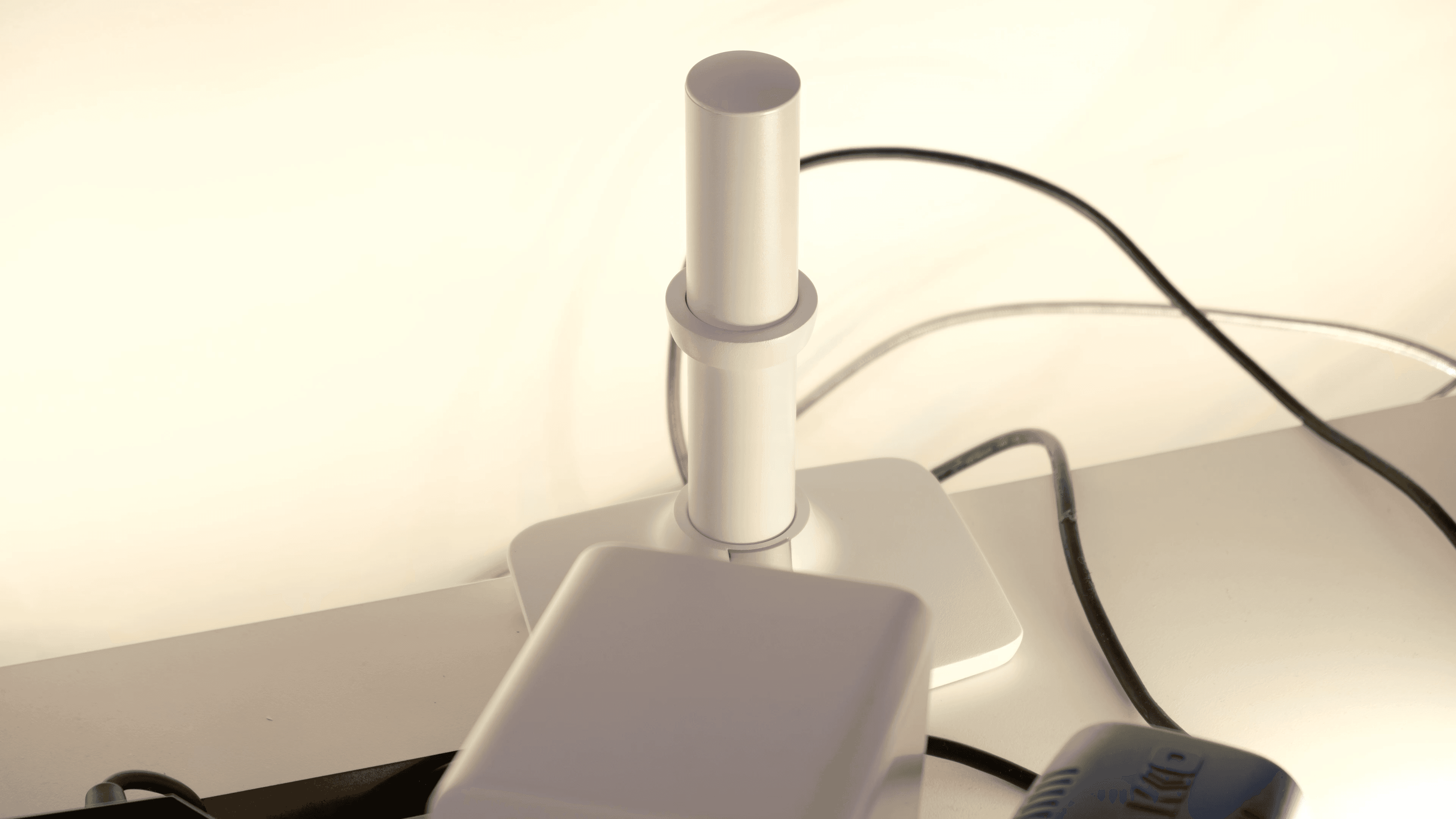

Once that was clear, the LX went up easily. The base footprint is about the same as my old arm, so I could mount it in basically the same spot. After the base, you attach the rest of the sections. I had to raise mine just a touch so the arm wouldn't hit my speakers when I moved it, which you adjust with the included Allen key. You attach the arm to the monitor first, then place it onto the middle section, and that's basically it. I didn't have to fuss much with tension because I could position the monitor right where I needed it. I'm running it in vertical orientation, but I can switch back to horizontal with ease.
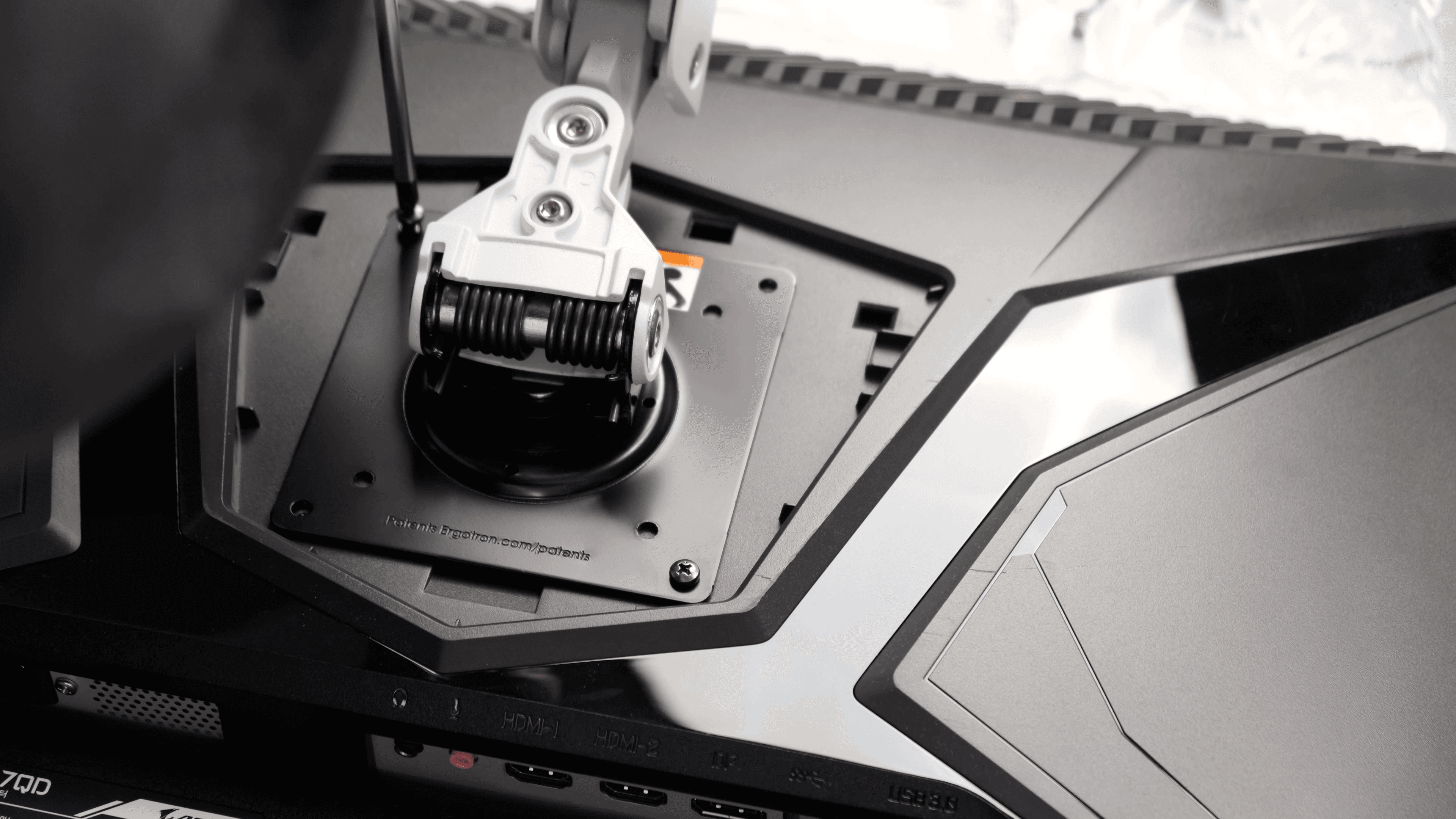

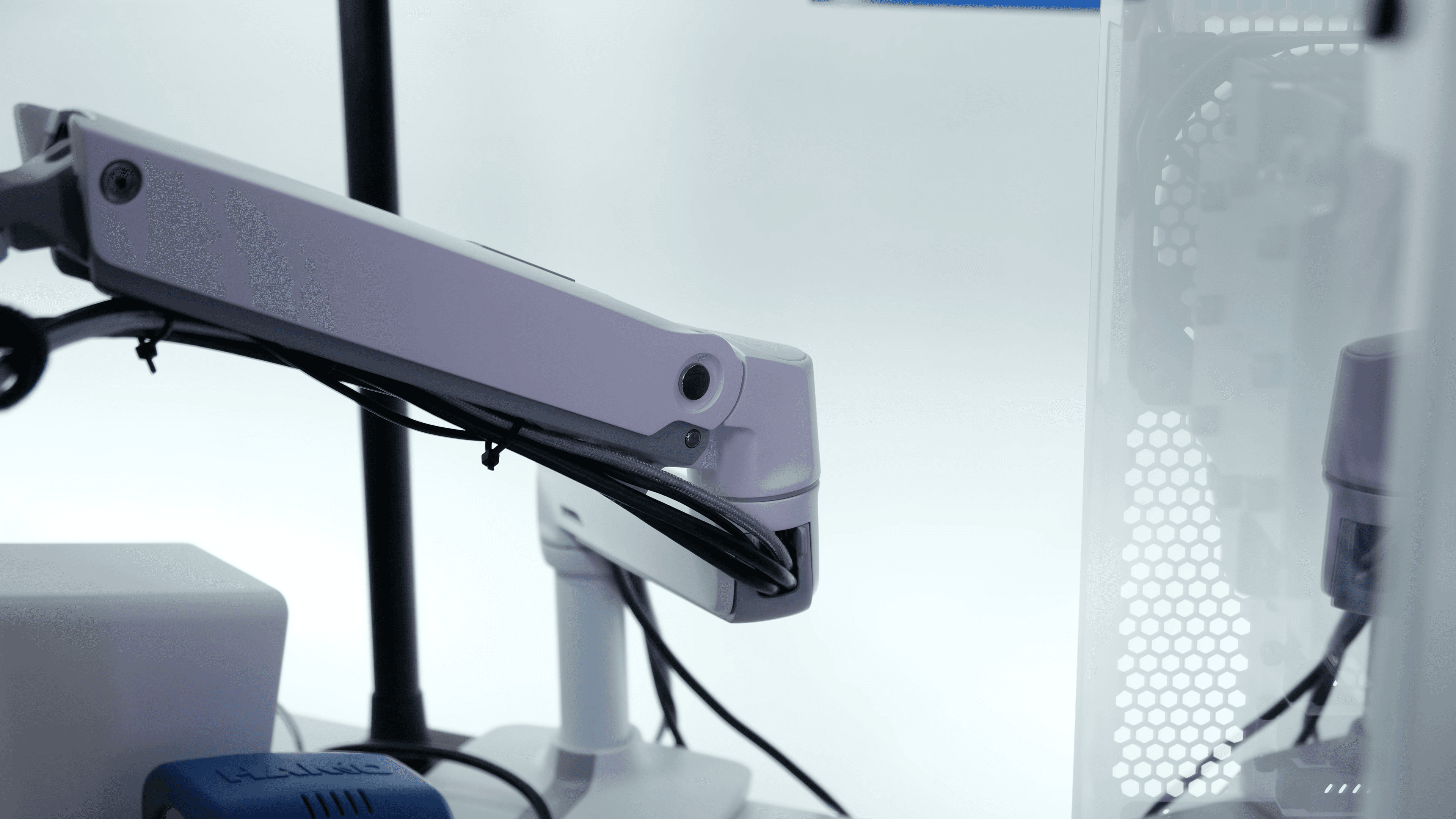
For cable management, you don't get the velcro straps the HX has. Instead there are little hooks for zip ties, plus a channel you can route cables through to the back of the monitor.

WHY I DROPPED THE THIRD MONITOR
The honest reason is that I wasn't using that top monitor well. I mostly watched anime and videos on it, but when I was sitting down, my ultrawide blocked the bottom half of it, so I had to minimize windows to the very top just to read subtitles. I looked for a taller pole or a longer dual arm to lift it higher, but there weren't many options, and mine was already perched at the very edge, tipping forward enough that I worried it'd fall.
Now I've got a TV set up behind me for anime and YouTube, so I don't need that top monitor for it anymore. I still run my vertical monitor for Discord, Slack, and terminals, and my main monitor for my code editor, video editing, and photo editing. The big win: with the top monitor gone, I can finally lift my ultrawide to a better height so I'm looking straight at it instead of tilting my head down. It now sits above my speakers with no more blocking, and I can push it back so I'm not sitting too close. I can also mount things behind the monitor now instead of using the desk grommet, so my Elgato/overhead cam mount lives there, and when I don't have the overhead cam set up there's no long pole sticking out.
IMPRESSIONS
I'm really happy I went with it. I could've gone cheaper, but with monitor arms you really do get what you pay for. Like the HX, the LX feels great: mostly metal and very sturdy. I can position the mount however I want and it stays put. With my older, cheaper arms, even fully tightened they'd never quite hold their position, and I was always a little worried one day they'd give and the monitor would tip. With the LX, at least with my 27-inch, I don't have that worry. For a 38-inch ultrawide, though, I think I'd still opt for the HX.
FINAL THOUGHTS
Dropping from triple to dual was the right call. My setup is cleaner, my ultrawide is finally at the right height, and I freed up space behind the desk. And the Ergotron LX has been a great single-arm choice for a 27-inch. It's not cheap, but it's solid, sturdy, and holds position the way a good arm should. For heavier ultrawides, reach for the HX. For everything else, the LX is excellent.
Questions about the LX, the HX, or going from triple to dual? Drop them in the comments or join the Discord.